Utilities
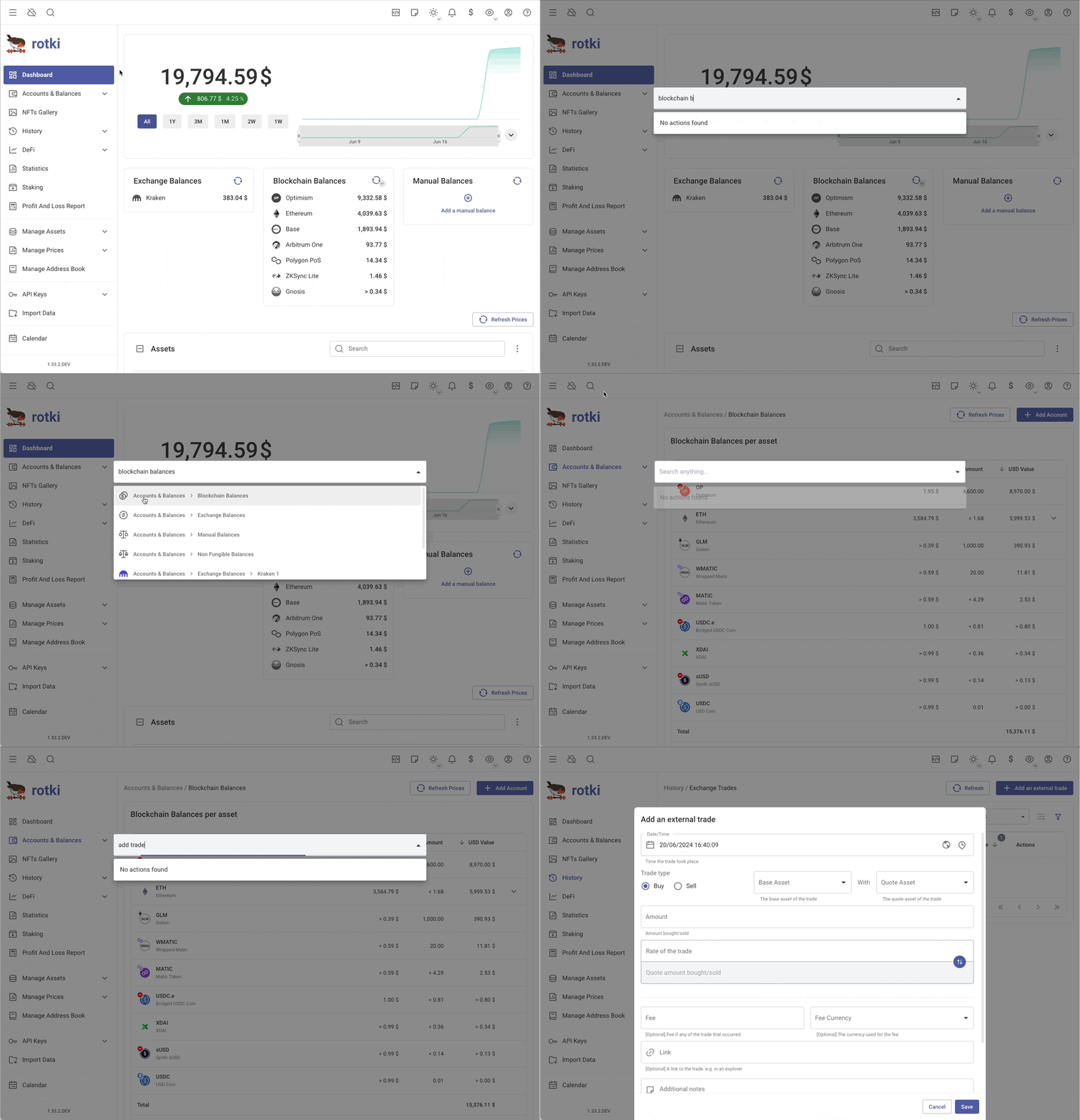
Global Search
You can use global search provided to speed up your actions by clicking the icon on the top bar, or using the shortcut Control-/ (Command-/ if you are using Mac).
Some actions provided by this global search:
- Navigate to any page in rotki
- Some basic actions such as adding a new trade.
- Go to a certain owned asset overview page.
- Go to a certain location overview page.
Taking Notes In-App
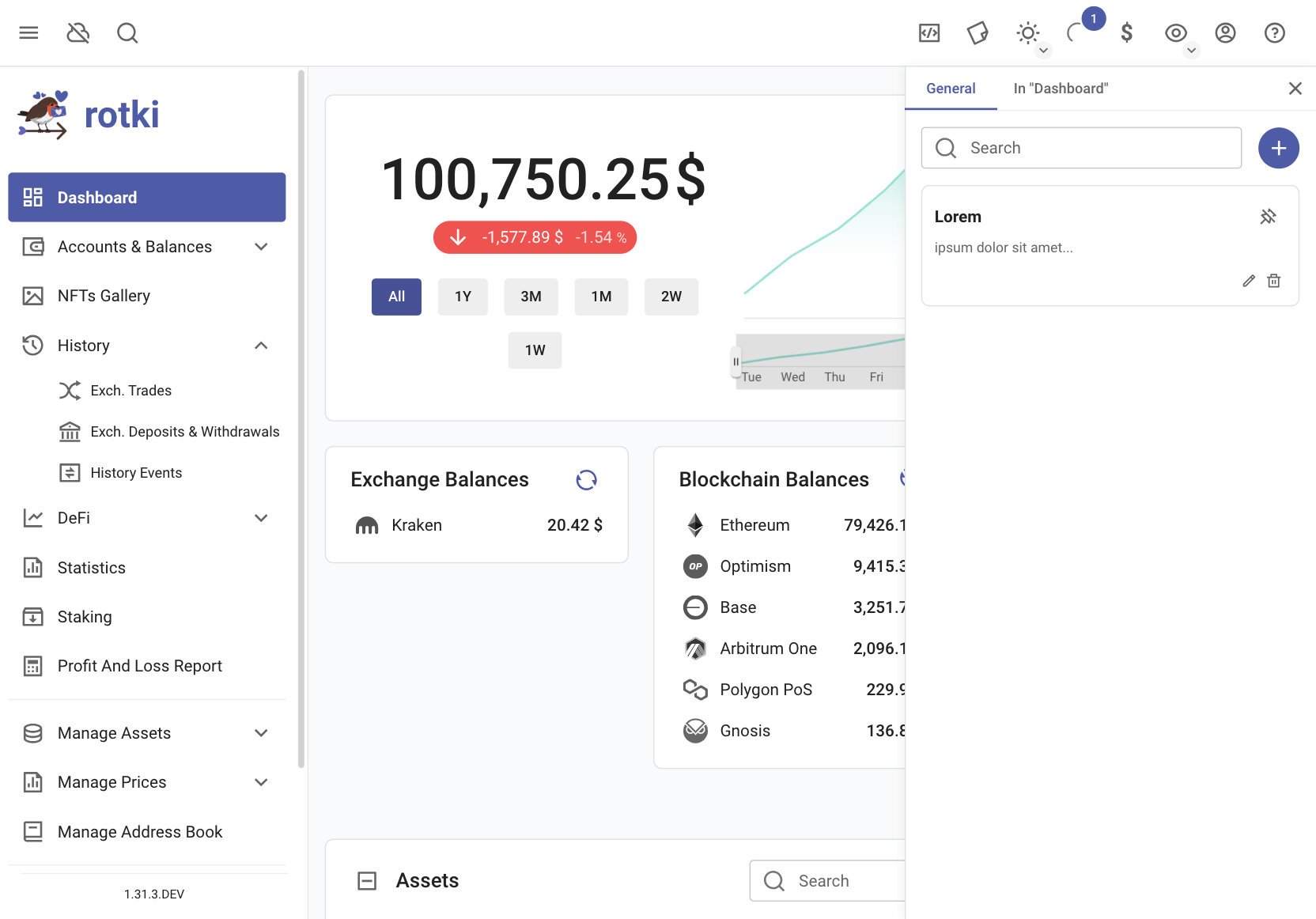
You can now take notes in various sections of the application. Note taking is categorized into two types:
General Notes: These are notes available & visible across the application.
Location-specific Notes: These are notes restricted to the location in which they were created in the application.
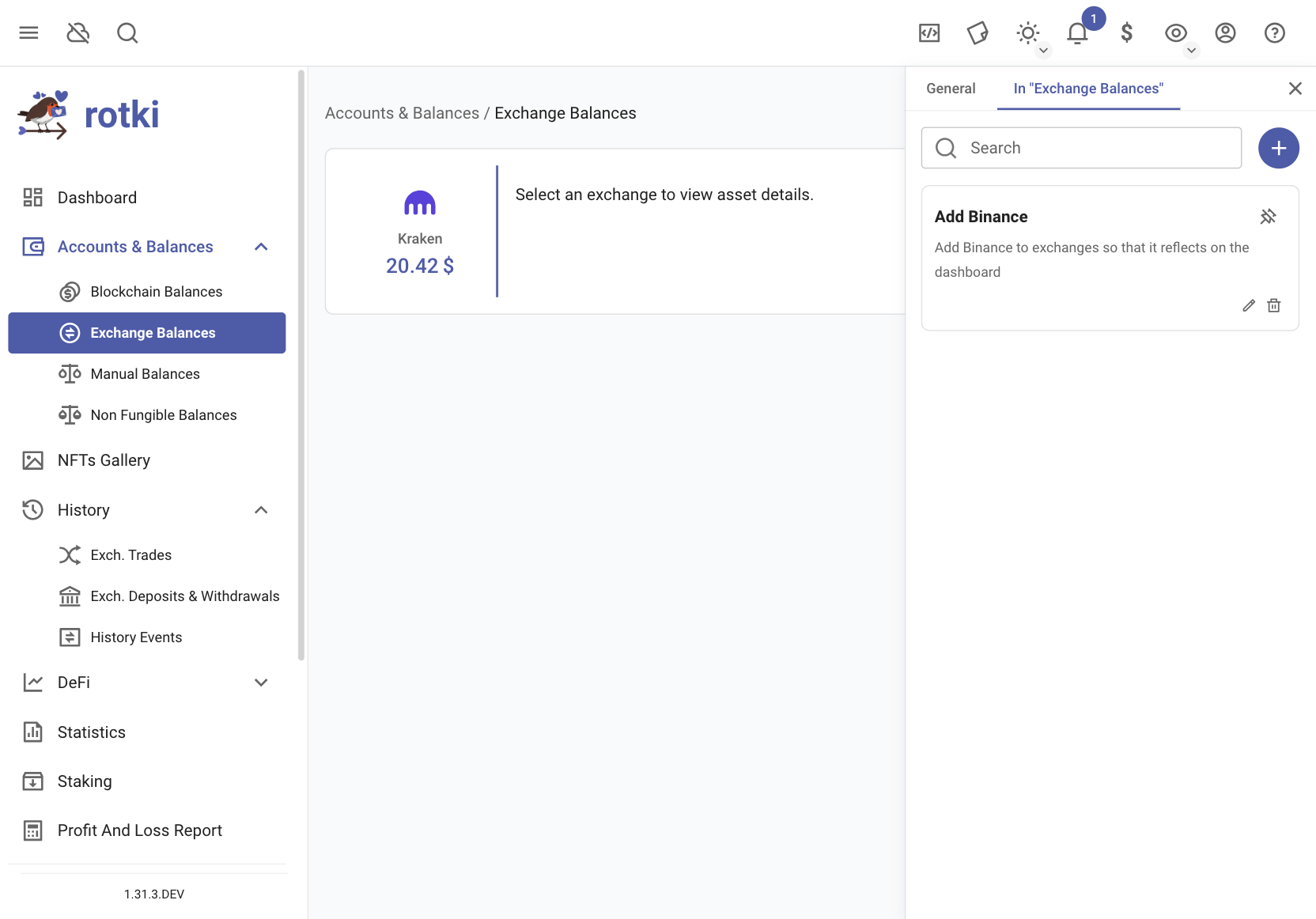
You can also pin notes; the pinned notes will appear at the top.
Background Tasks
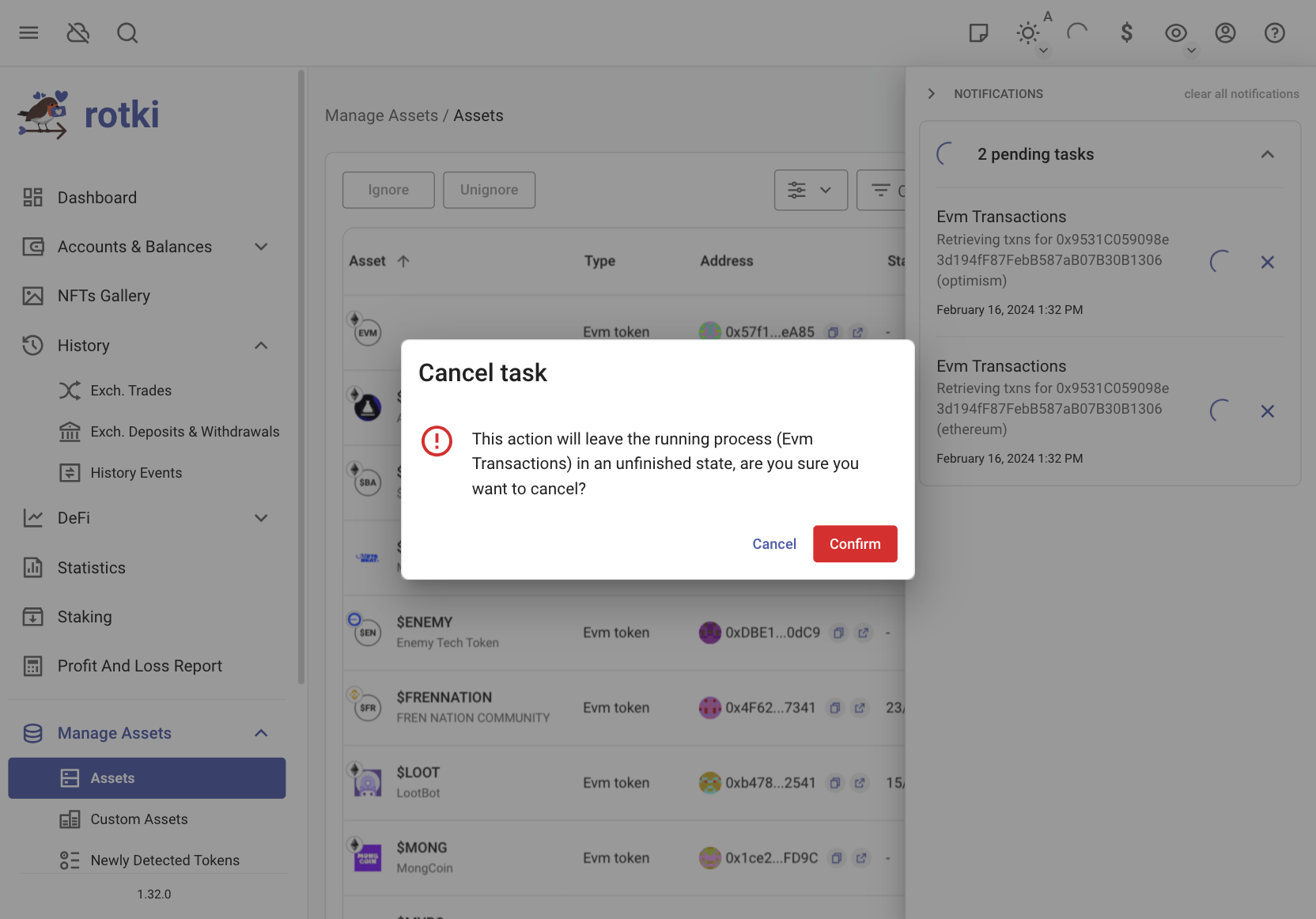
A list of processing tasks is available on the notifications tray.
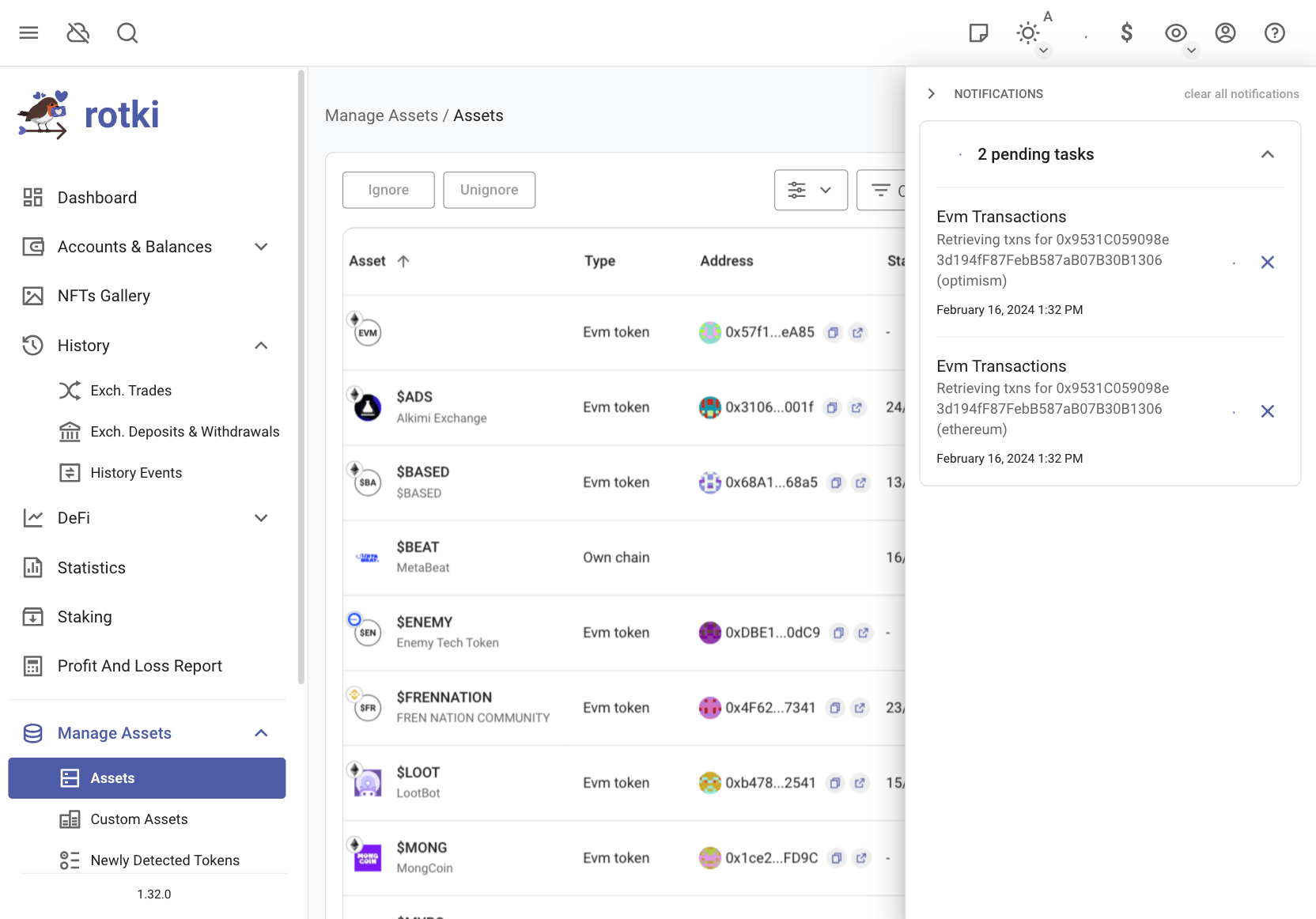
It is possible to cancel a long running task, but use this feature sparingly.