
Managing prices
The Manage Prices menu lets you add manual prices that override oracle lookups and edit prices that rotki has already fetched and cached from oracles. It is split into three sections:
- Latest Prices: Manual prices used when the current price of an asset needs to be displayed.
- Historic Prices: Manual prices used at a specific time in the past.
- Oracle Prices: Prices that rotki fetched from an oracle (CryptoCompare, CoinGecko, DefiLlama, etc.) and cached, plus the per-asset oracle caches themselves.
Latest and historical prices
To add a new price, open Latest Prices or Historic Prices from the Manage Prices menu and press the plus button. This opens the add form where you can specify the assets, the price, and (for historical entries) the date.
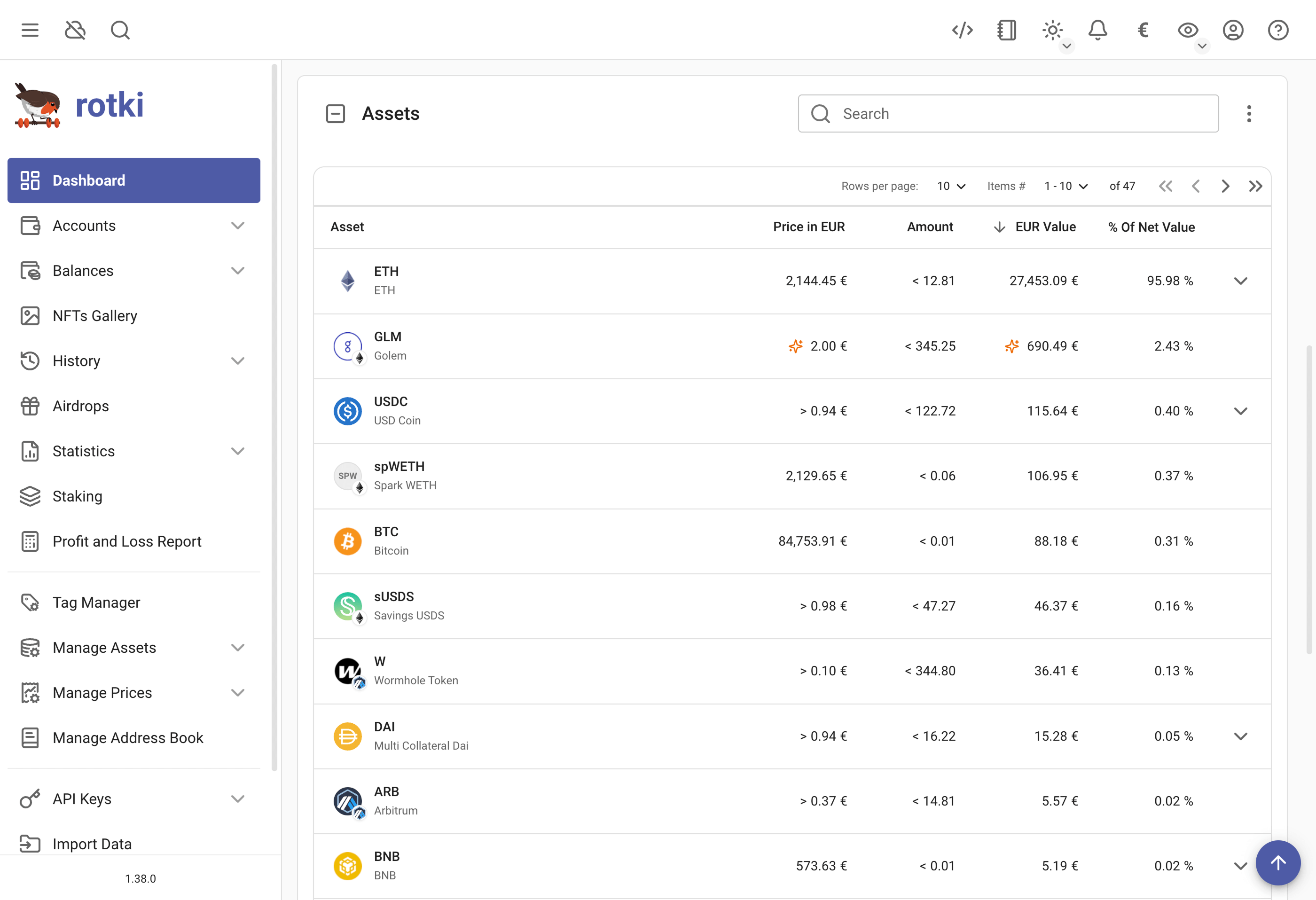
After saving, the entry appears in the list. Wherever that price is then used, rotki flags it with an orange sparkle icon whose tooltip reads "Manually defined price". The icon marks both the price itself and any value derived from it, so a balance row carries it twice: once beside the unit price and once beside the total.
Oracle prices
The Oracle Prices page has two tabs:
- Prices: Every individual price rotki has cached from a price oracle, with the asset pair, value, source, and timestamp.
- Caches: The per-asset historical price caches that rotki maintains so it does not have to refetch the same time series.
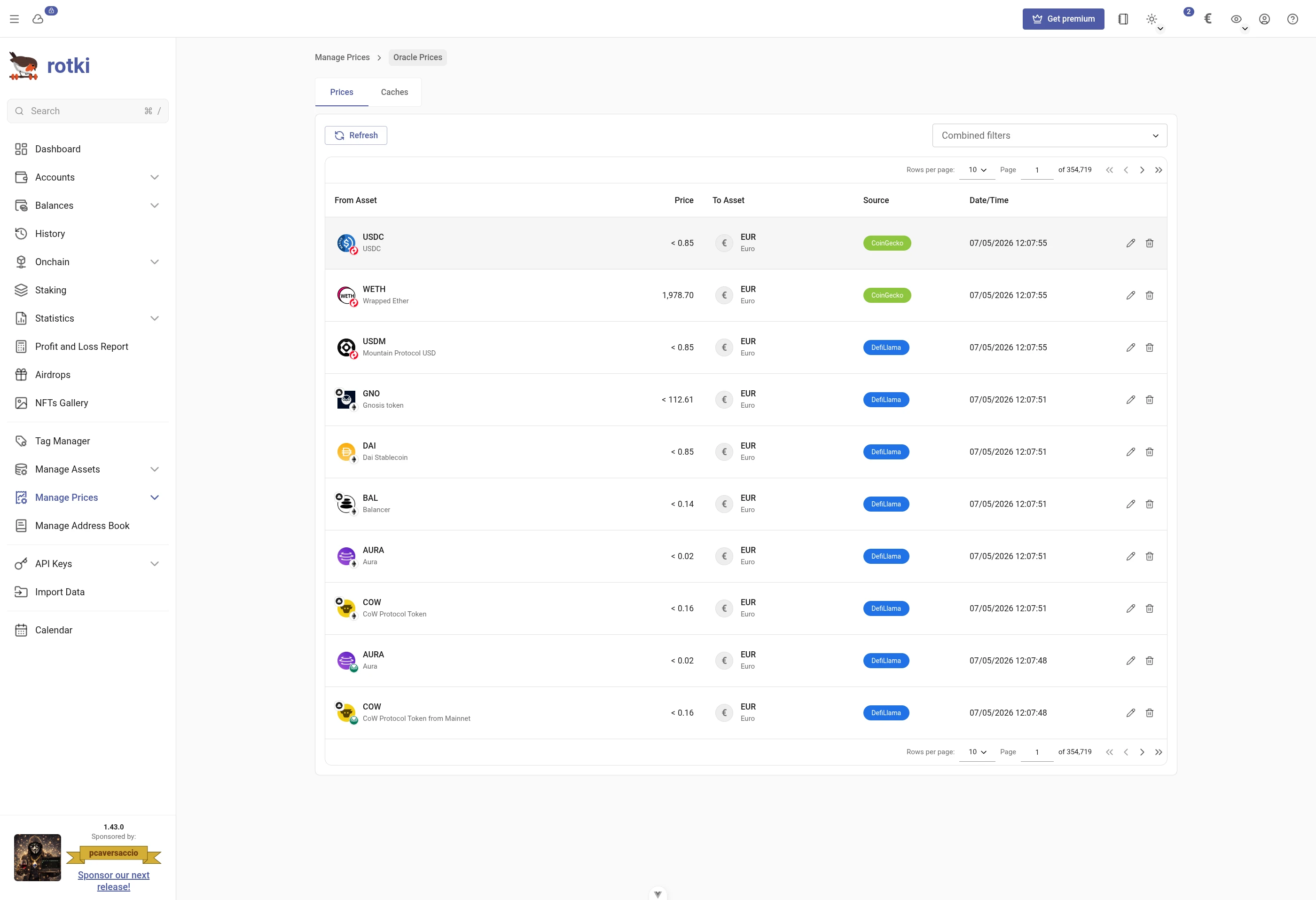
The Prices tab uses the same filter bar as the rest of rotki, with a pill for the Source asset, the Target asset, the Source oracle and the Period. Those first two filter the From Asset and To Asset columns. Assets are shown with their icon and symbol, and each oracle by the name the table itself uses rather than its raw identifier. The two separate start and end date filters are now one period pill with a date picker for each end. See Filtering history events for the shared syntax and keyboard handling.
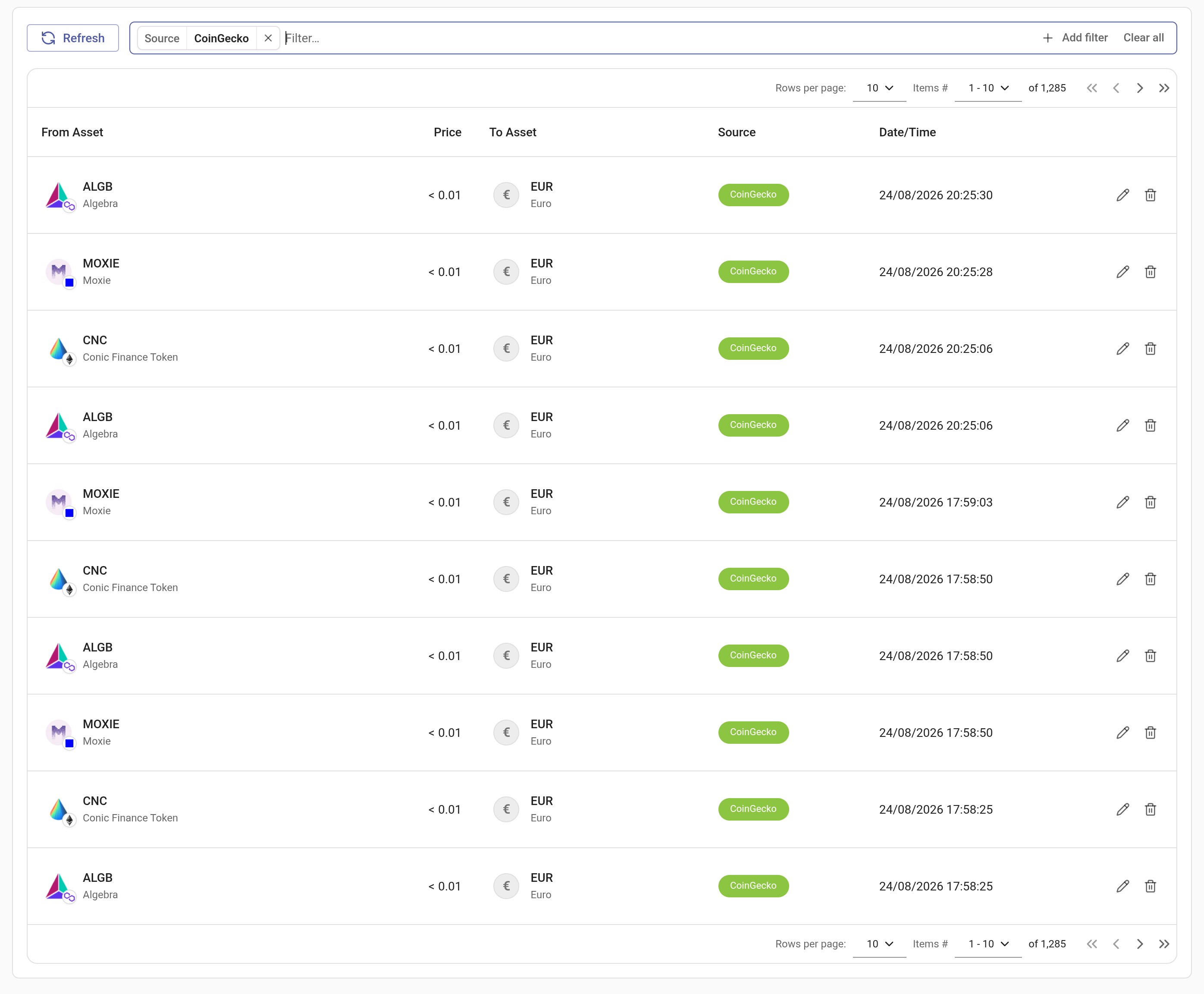
Each row in the Prices tab can be edited or deleted. Use this when you know the cached price is wrong (for example, an oracle returned a stale or incorrect value) and want to override it without adding a separate manual entry. Deleting an entry removes the cached value entirely; the next lookup will hit the oracle again.
Click the edit icon on a row to open the edit dialog:
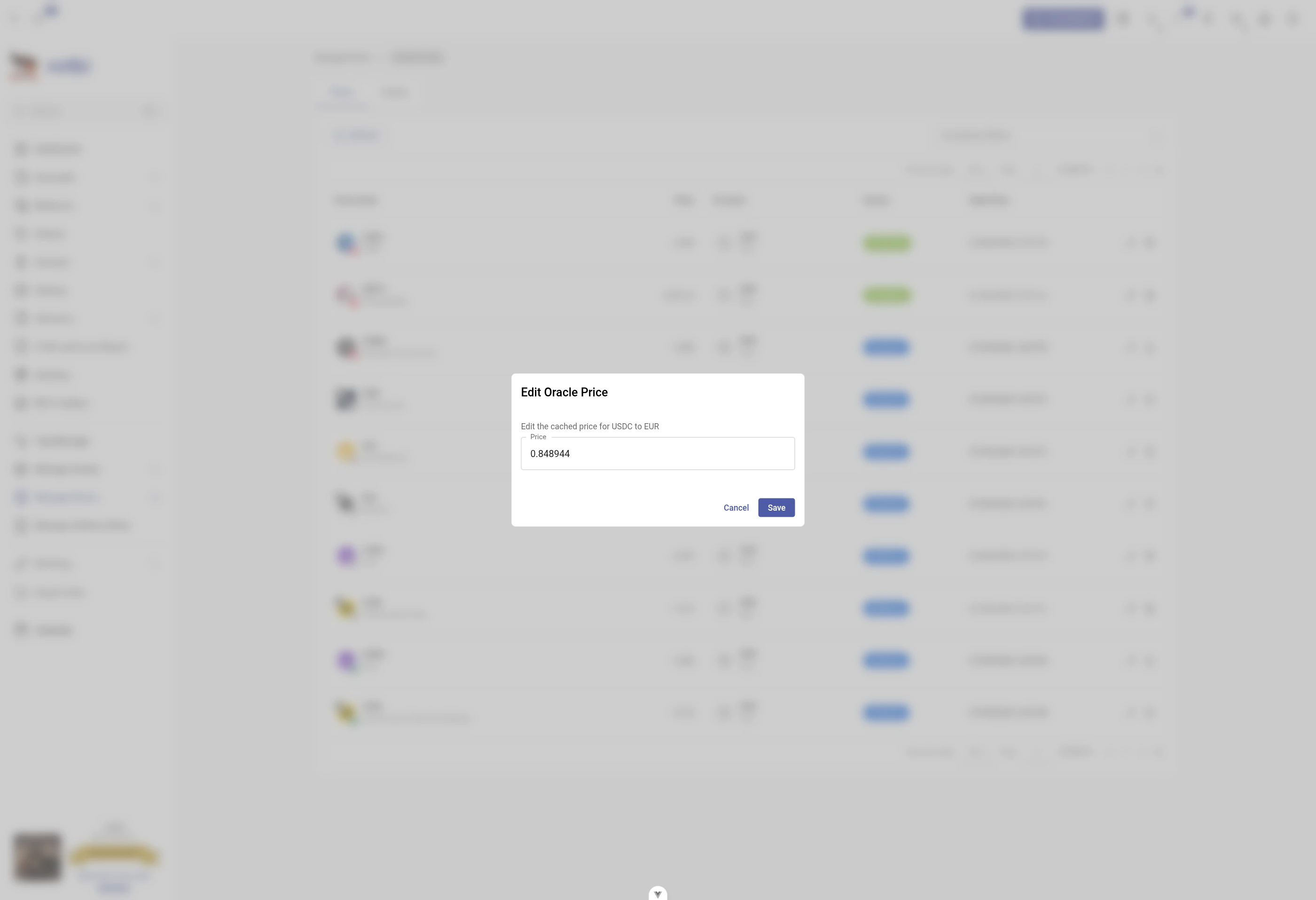
Editing or deleting an oracle price entry invalidates rotki's in-memory historic price cache for that (asset, timestamp) pair, so any other place displaying that price (history events, balances, snapshots) updates immediately.