
Exchange API Keys
This page covers connecting centralized exchanges to rotki via read-only API keys. Go to the API Keys menu in the sidebar, then Exchanges.
Exchanges API Keys
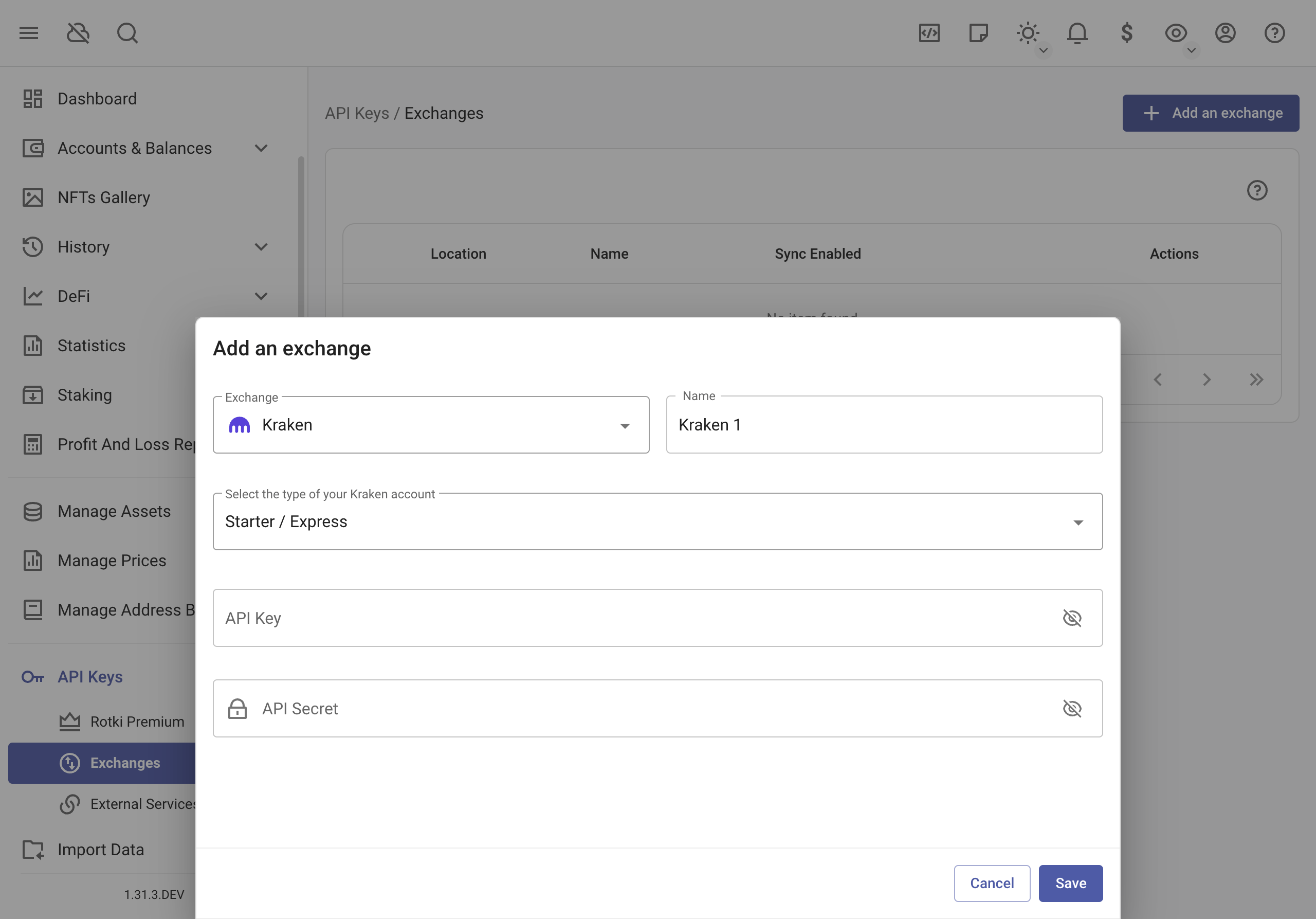
You can integrate many different exchanges with rotki via API Keys. Currently supported exchanges are:
- Kraken (Spot and Future)
- Poloniex
- Binance
- Bitmex
- Coinbase
- Coinbase Prime
- Gemini
- Bitstamp
- Binance US
- Bitfinex
- Bitcoin.de
- Iconomi
- KuCoin
- Independent Reserve
- Bitpanda
- OKX
- Woo
- Bybit
- HTX
- Crypto.com (experimental)
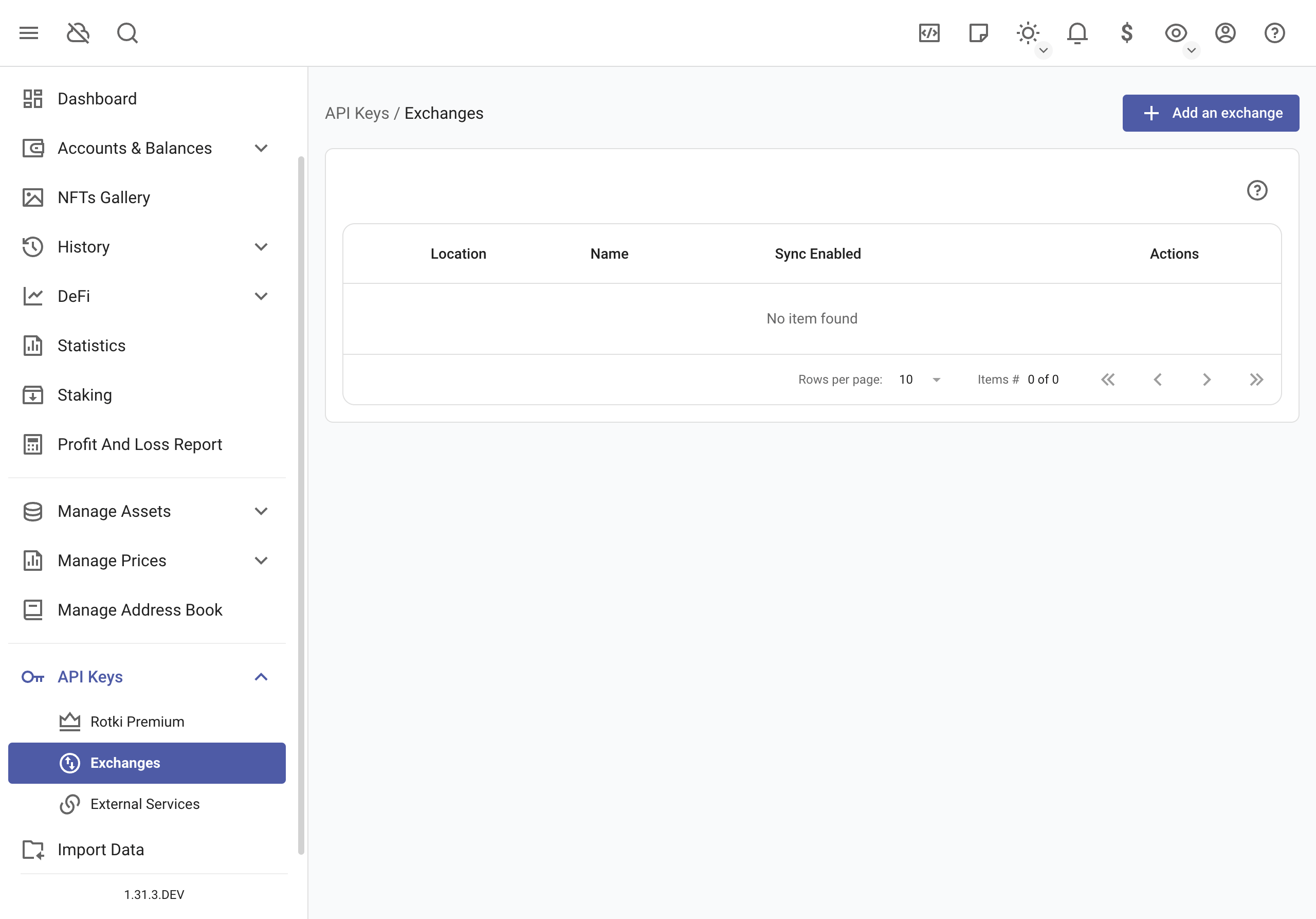
Steps to Add Exchange API Key:
- Create API key on your exchange (see API key permissions)
- Navigate to
API Keys > Exchangesin the left sidebar - Click button
Add an exchangeto open addition menu - Enter your:
- API Key
- API Secret (for the majority of exchanges)
- Password (for some exchanges)
- Click
Save
After Adding:
- Successful addition: Exchange will appear in your list
- If failed:
- Verify key and secret are correct
- Some exchanges may have issues due to timestamp difference between the computer and the server (e.g. binance, read this)
Sync Settings:
- Option to enable/disable exchange synchronization
- Consider disabling to avoid IP bans from frequent syncs
Note: At the moment, margin trades and future trades are not yet supported in rotki.
API key permissions
rotki only needs read-only permissions for your accounts. As a general rule, exchanges (e.g., Binance) group all the read-only permissions as "read" or "view".
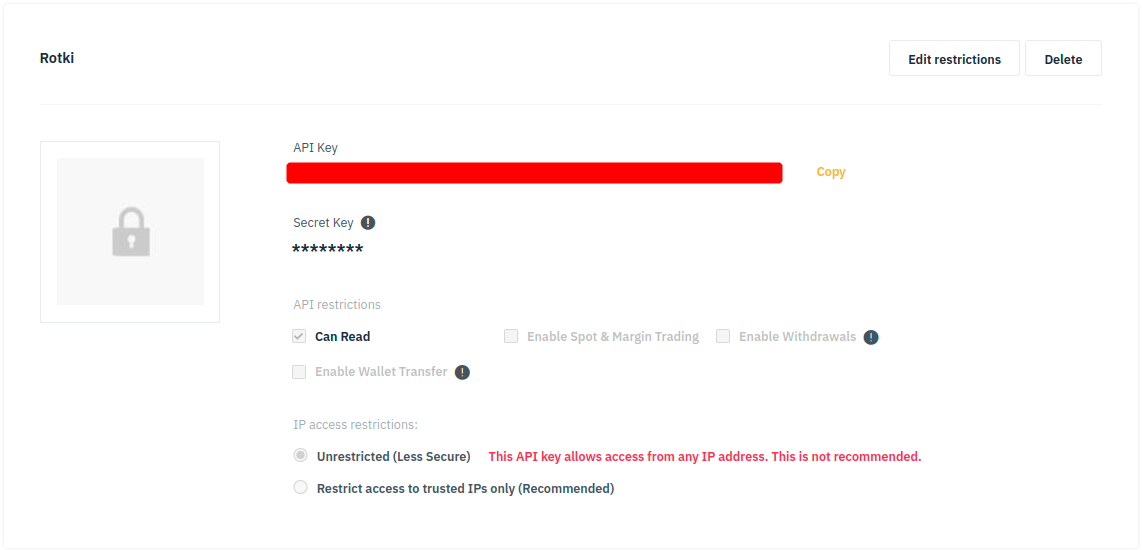
In the case of an exchange providing a more granular permissions scheme (e.g., Coinbase, Kraken) or having additional options (e.g., query limits, passphrase), refer to the exchange documentation or get in touch via their customer support channel.

You may also try creating an API key with the minimum read-related permissions, then adding it in rotki and finally checking that the connection was successful and data was loaded as expected. Otherwise, try again adding more read-related permissions.
Kraken
When inputting the API key for Kraken, you need to specify the type of your Kraken account, which depends on your Kraken account verification level. Refer to this for more information.
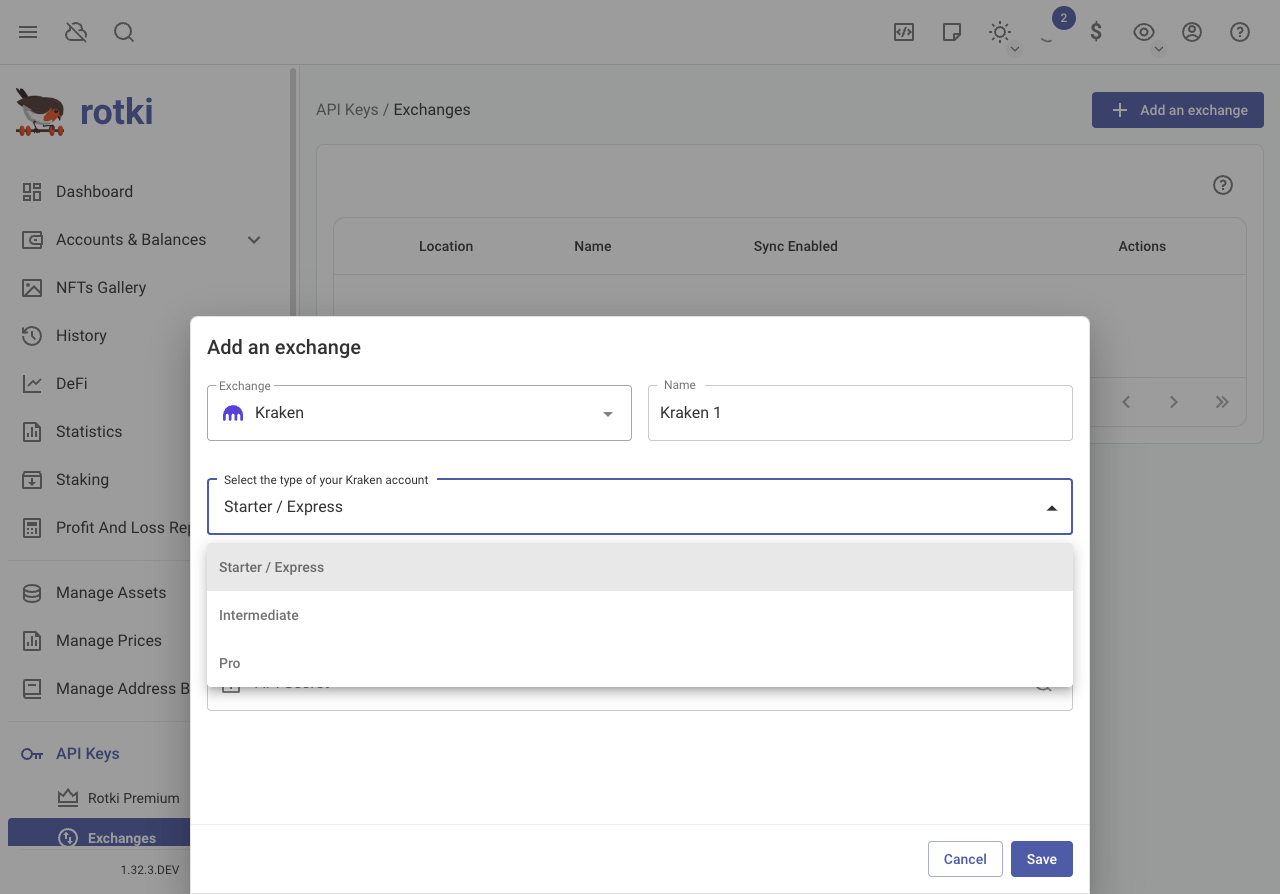
To track your Kraken Futures balances, you can optionally provide your Futures API key and Futures API secret in the same Kraken exchange form. Both fields must be provided together. When set, rotki will query your Kraken Futures cash, margin, and flex balances and merge them into your overall Kraken balance total.
Binance / Binance US
To improve the speed of querying trade information using the Binance API, you can specify which market pairs to query instead of querying all possible pairs. This reduces the number of requests made to Binance servers, avoiding potential rate limits and failures. To select specific markets, edit your Binance exchange instance configuration.
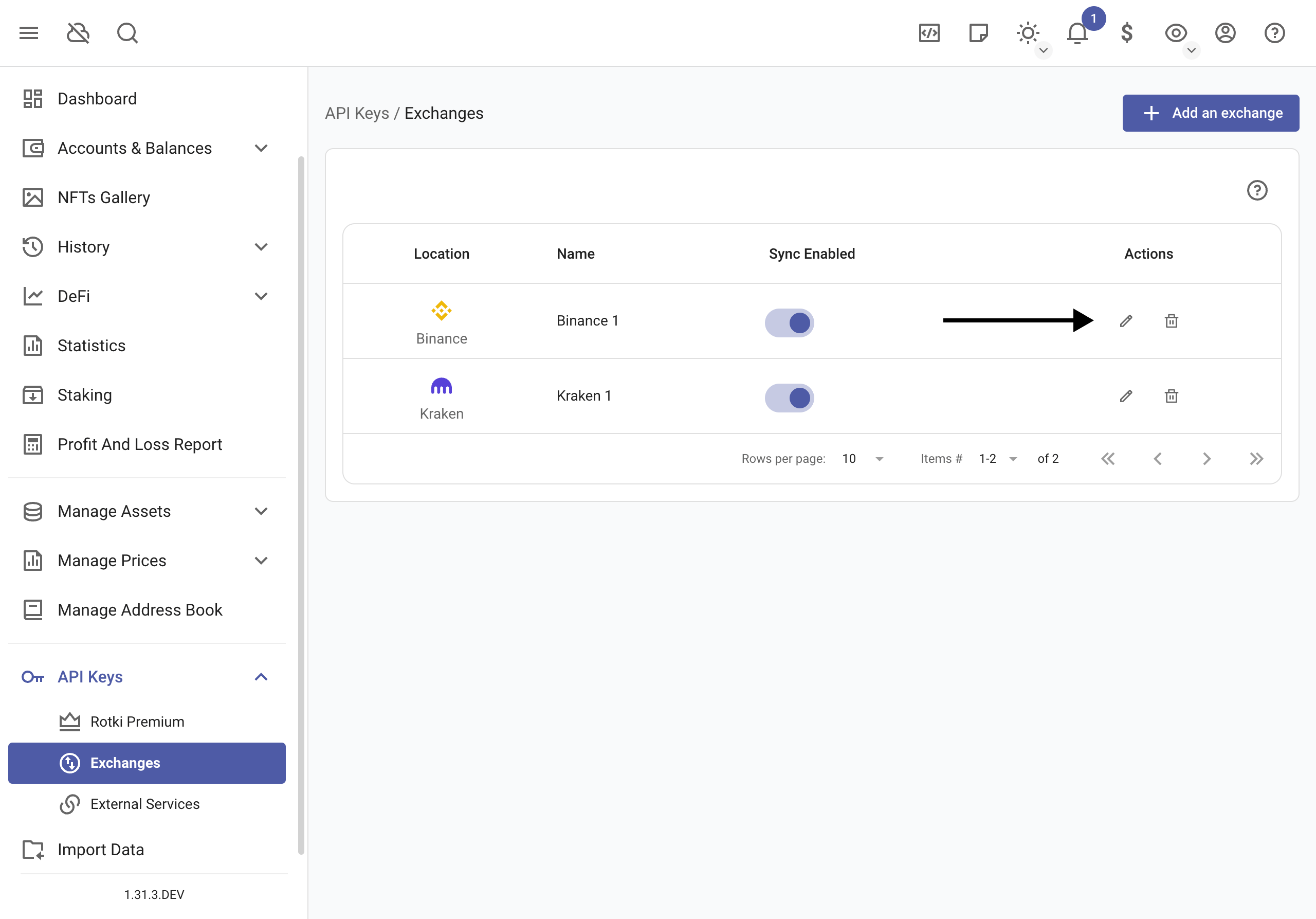
Market Pairs (required)
Choose the markets in the Filter market pair(s) search.
WARNING
Due to Binance API limitations, querying trade information does not work without specifying market pairs. Binance's endpoint requires every possible market pair to be queried individually, and their rate limits make it impossible to query all markets for your entire history. This API issue has existed for years and has not been fixed by Binance. You must select which specific markets you want to query for the integration to work properly.
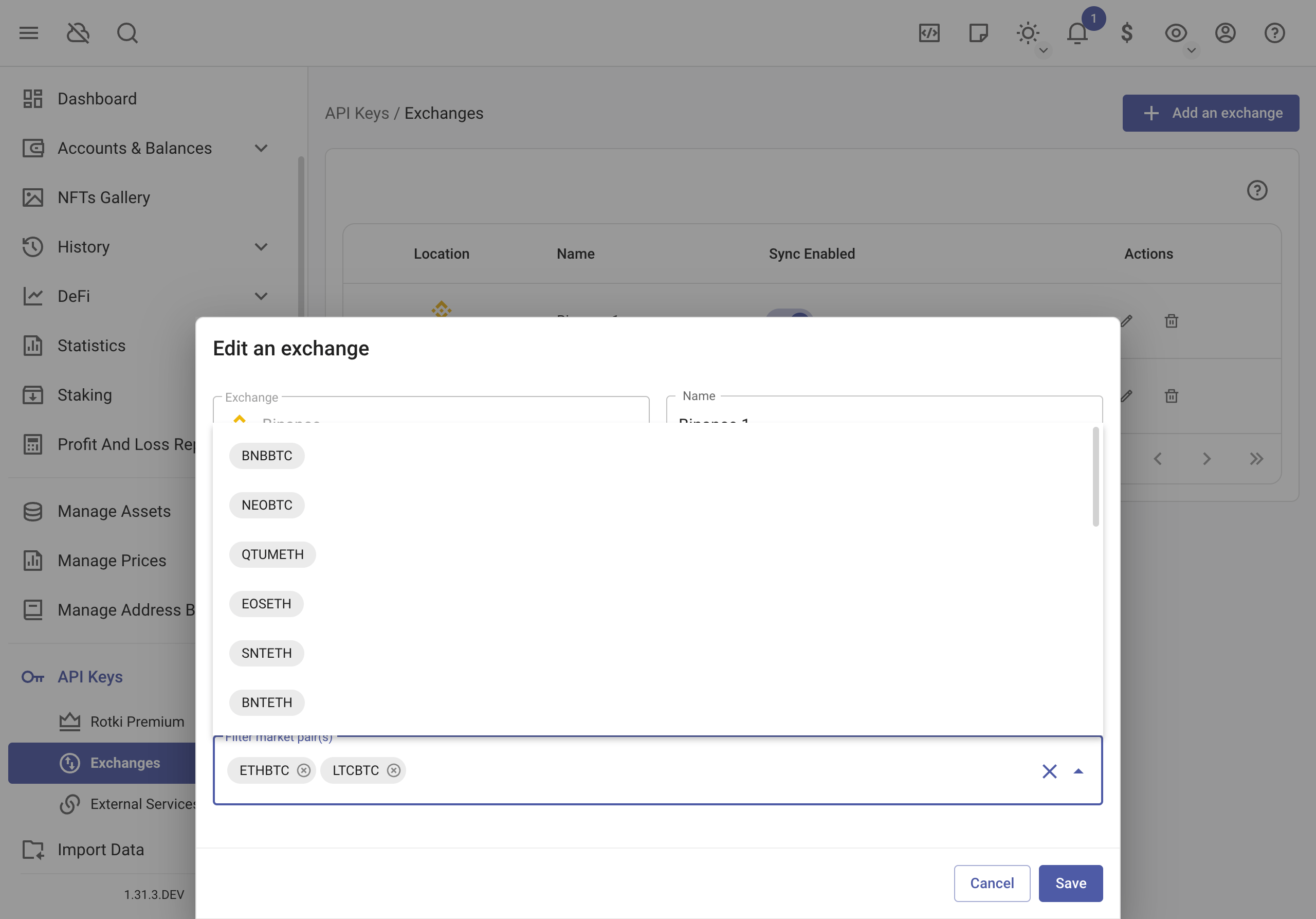
Once finished, click on save.
Coinbase Prime
Coinbase Prime requires an API Key, API Secret, and a Passphrase. Make sure you provide all three when adding the exchange.
OKX
OKX requires an API Key, API Secret, and a Passphrase. When adding OKX, you also need to select your region:
- Global — the default OKX platform.
- EEA — for European Economic Area users.
- US — for United States users.
Make sure to select the region that matches the OKX platform you registered on, as the API endpoints differ between regions.
Crypto.com
Crypto.com is currently listed as an experimental exchange. It requires an API Key and API Secret. Since it is experimental, some functionality may be incomplete or subject to change.