
General Settings
This section provides information on how to customize the application through the settings. Click on the user icon on the top right and choose "Settings" to access basic customization options.
Profit Currency
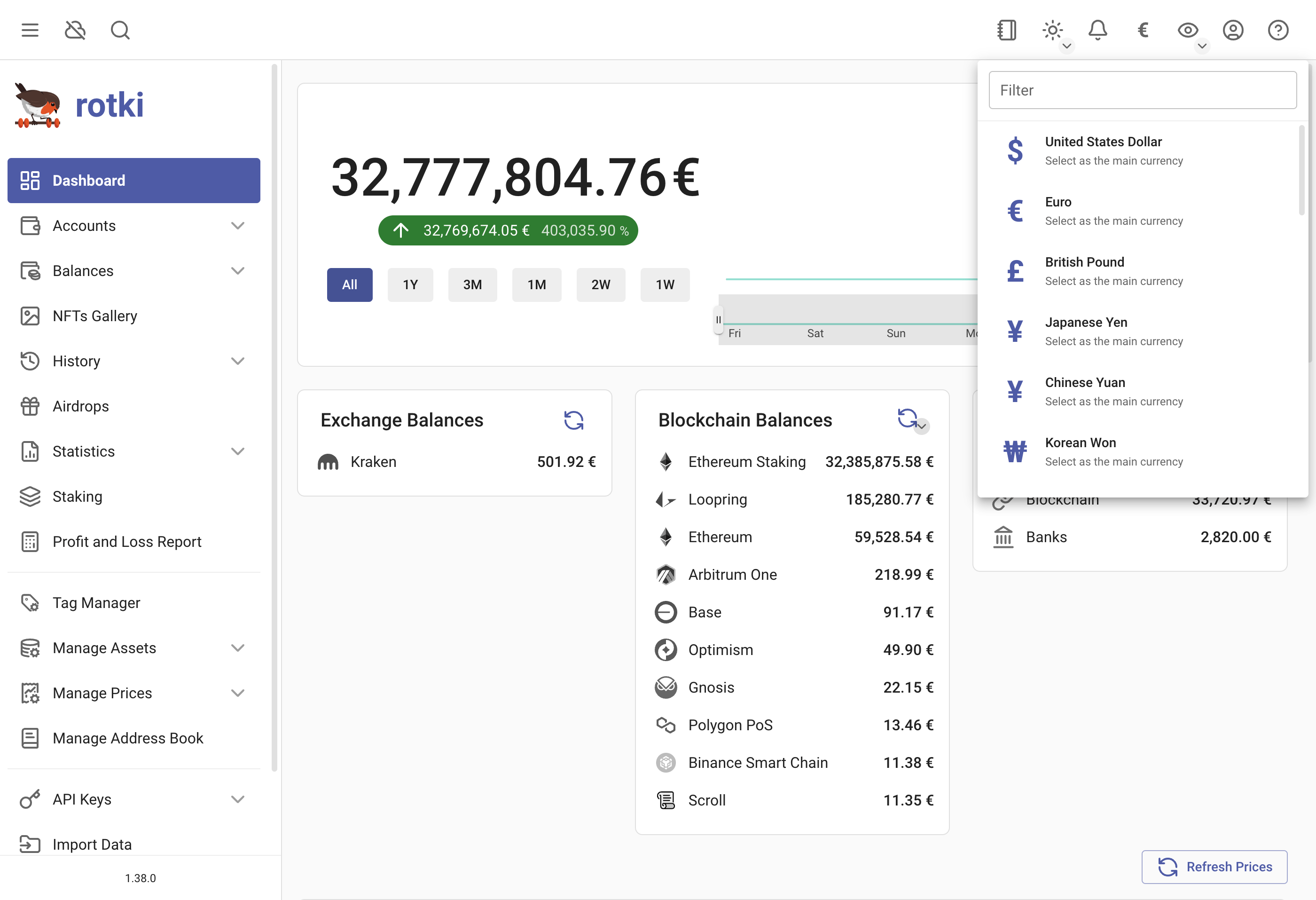
rotki calculates everything, including your total profit/loss during the PnL report, in a given fiat currency, called the profit_currency. By default, this is USD. You can change this by clicking on the currency icon in the top right menu and selecting your preferred currency.
Application Settings
Access the settings menu via User icon → Settings.
General Settings
Anonymous Usage Analytics
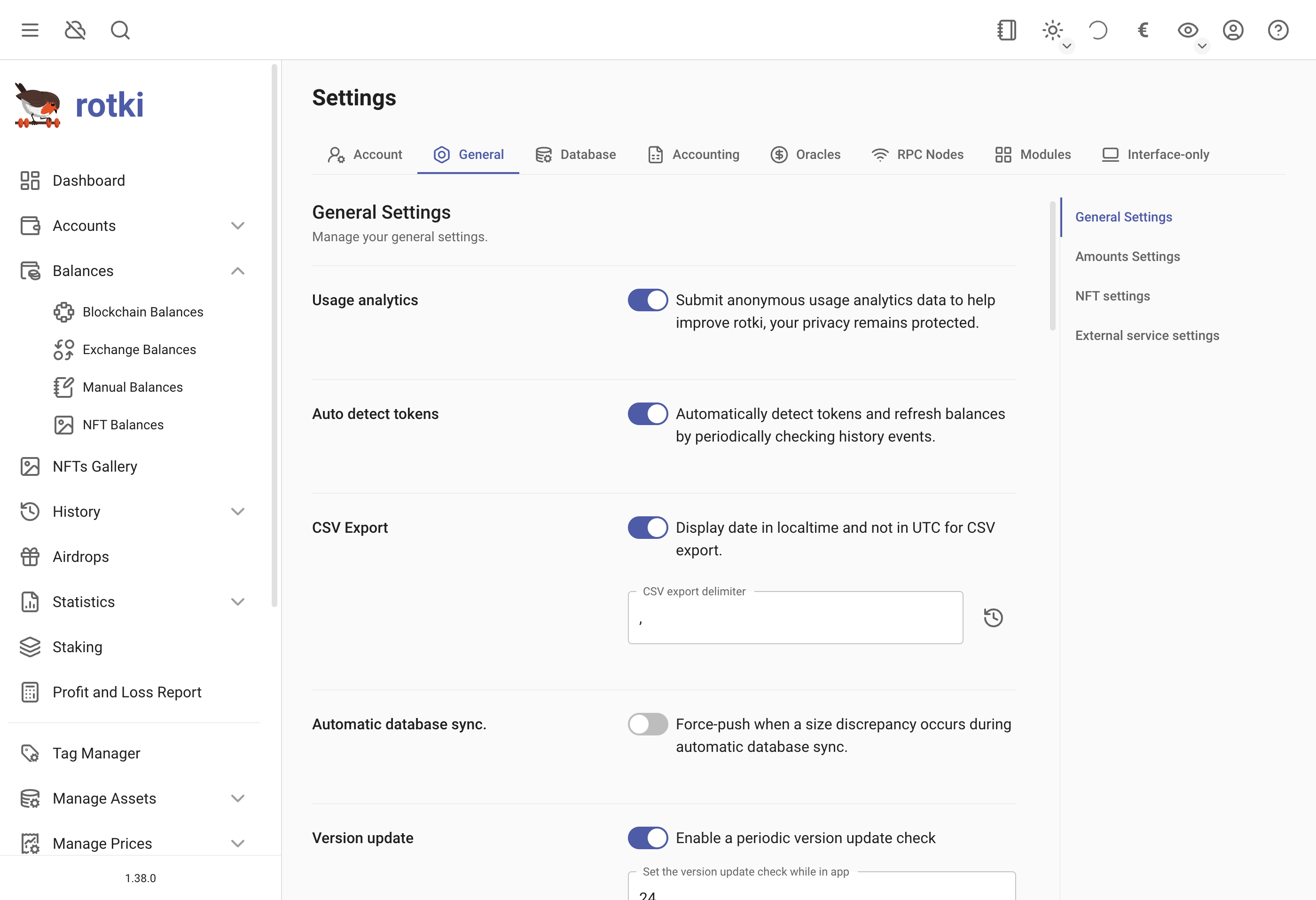
Specify whether the application can submit anonymous usage analytics. This helps measure active users while ensuring data is anonymized and contains no sensitive information.
Auto detect tokens
Specify whether to automatically detect tokens and refresh balances by periodically checking historical events.
Auto detect tokens on login
Also run token detection after the first balance scan following login, so newly acquired tokens show up without waiting for the next periodic run. This is opt-in and disabled by default.
Auto detect tokens cooldown
The minimum time between two on-login detection runs, from 1 to 168 hours (7 days). Logging in again inside the cooldown skips the scan, so several logins in a day do not each trigger one. Triggering detection yourself from the accounts page ignores the cooldown.
This setting only appears when Auto detect tokens on login is enabled.
Display Date in Localtime
Specify whether dates in CSV exports should be displayed in local time rather than UTC. Enabled by default.
CSV Export
Specify your preferred date format and delimiter for CSV exports.
Automatic database sync
Whether to force push when a size discrepancy occurs during automatic db sync.
Version update check
Set how often (in hours) the version will be checked for updates.
Balance Snapshots Saving Frequency
Set how often (in hours) the balance data snapshots are saved. This data helps calculate statistics historical and graph data for the user.
BTC Derivation Gap Limit
Set the derivation gap limit for deriving addresses from a bitcoin xpub. More information here.
Date Format
Set the date display and date input format in the rotki user interface, such as %m/%d/%Y %H:%M:%S for month/day/year hour:minutes:seconds. Check here for valid formats.
Amount Settings
Main Currency
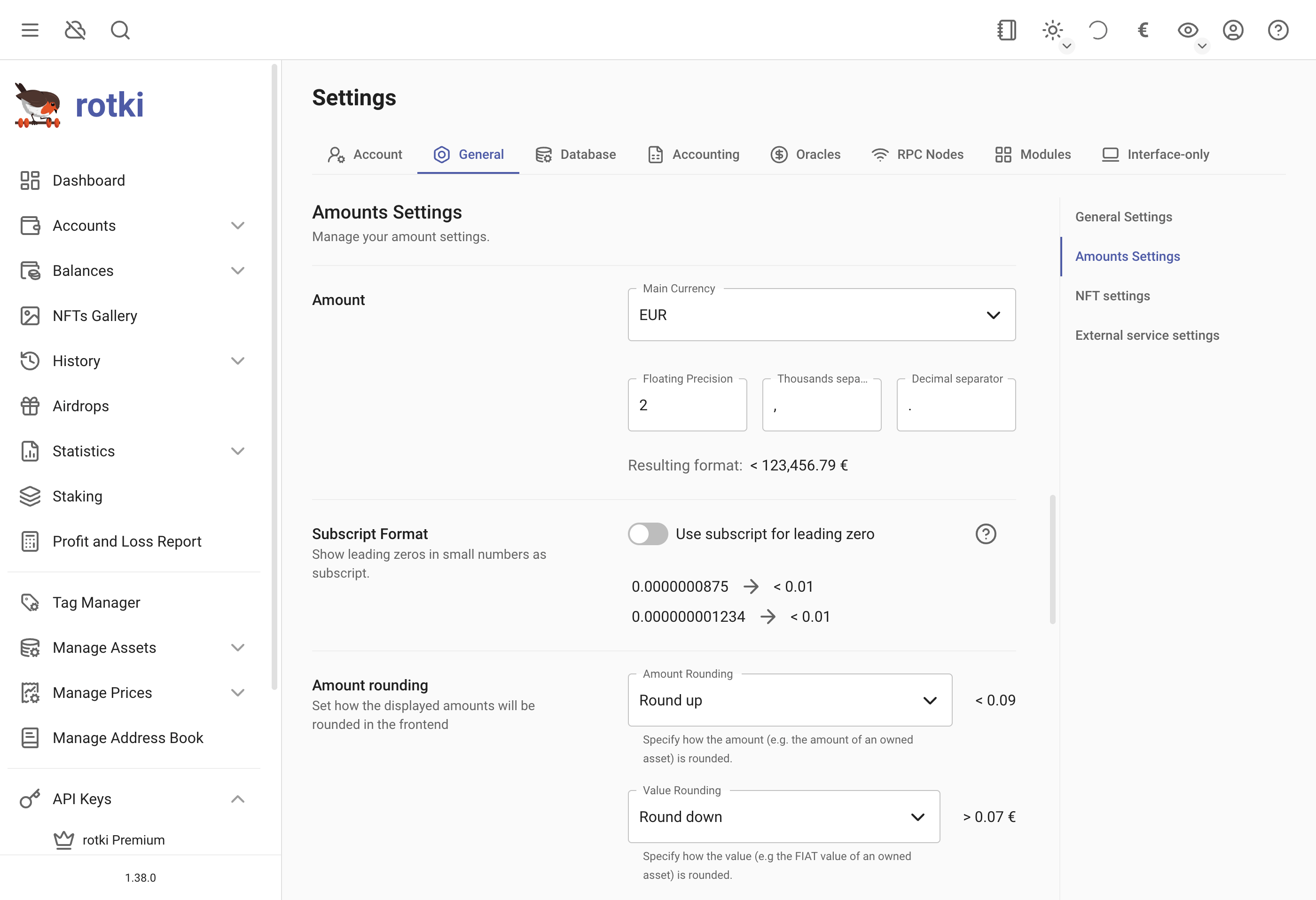
Same as changing the profit currency.
Floating Precision
Set the number of decimal points shown in the UI for floating point numbers.
Thousands Separator
Set the symbol separating every 3 digits for large numbers, e.g., 1,000,000.
Decimal Separator
Set the symbol separating the floating part of a number, e.g., 5.42.
Subscript Format
Whether to apply subscript formatting for consecutive zeros after the decimal point in small numbers, e.g., 0.000000087 => 0.0₇87.
Amount Rounding
Choose the rounding mechanism: Round up, Round down, or Half even. Customize how amounts and values are rounded.
Abbreviation for large numbers
If enabled, large numbers will be abbreviated, e.g., 1,234,567 as 1.23 M. Set the minimum value to be abbreviated.
Currency Location
Set whether the currency symbol appears before or after the number, e.g., $1,000 or 1,000$.
NFT Settings
Include NFTs in Graphs and Total Amounts
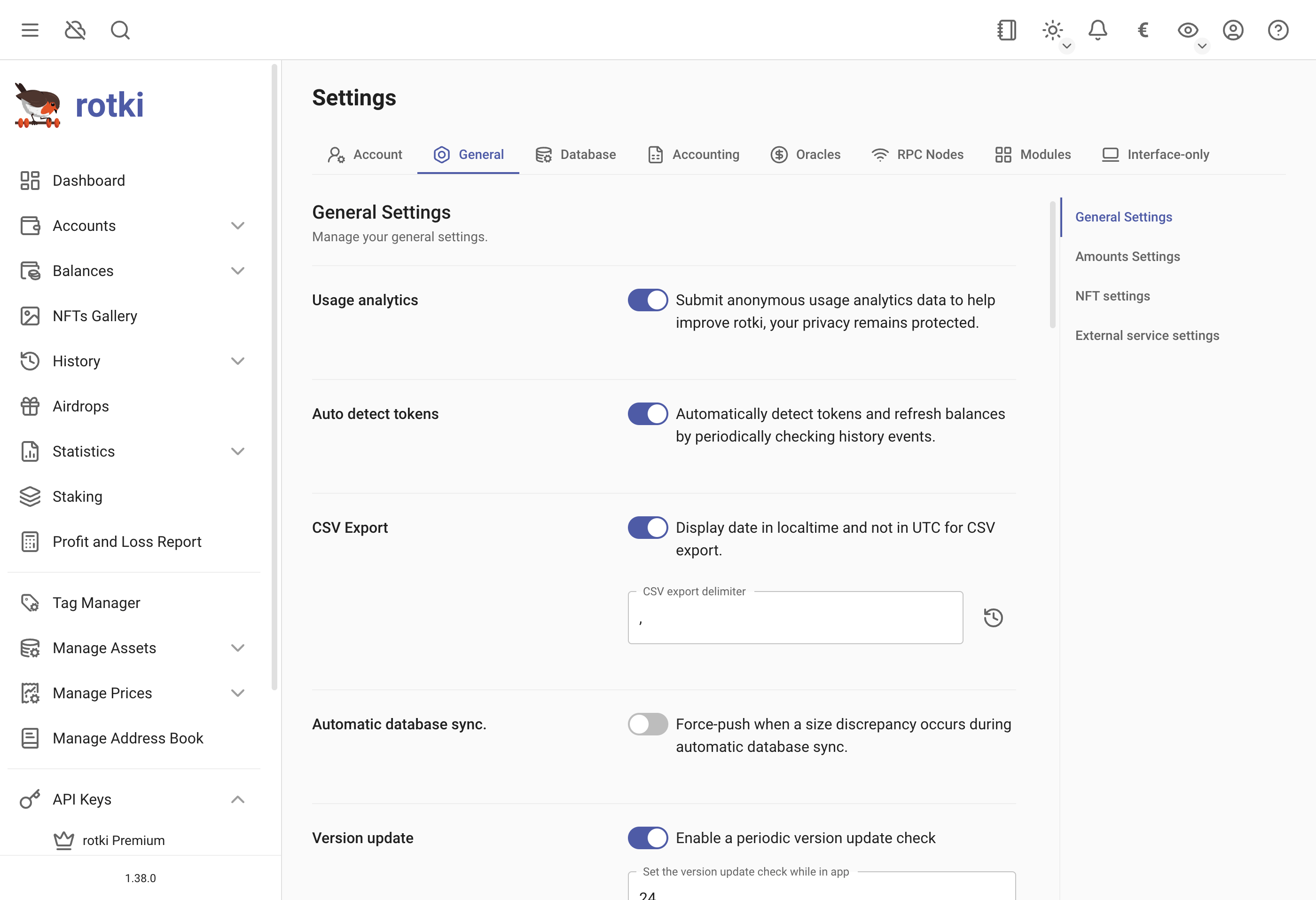
Decide whether to include NFTs in total net worth calculations and displayed graphs.
NFT Images Rendering Setting
For privacy, allow images from all or specific domains. More details here.
History Event Settings
Configure settings related to history event processing and management.
Auto Create Profit Events
Automatically create virtual profit/loss events when processing history. This setting controls whether rotki generates profit and loss events during history processing.
Internal Transaction Conflict Repull
Configure how rotki handles internal transaction conflicts. You can set the number of transactions to repull per batch and the frequency (in minutes) at which the system automatically attempts to repull conflicting internal transactions.
Skipped External Events
View and manage events that were skipped during external event processing. This section shows a summary of skipped events grouped by location. You can export the skipped events to CSV or attempt to reprocess them.
External Service Settings
Configure retry and timeout behavior for external service calls made by rotki.
Query Retry Limit
The number of times to retry a query to external services before giving up. Default is 5.
Connect Timeout
The number of seconds to wait before giving up on establishing a connection to an external service. Default is 30 seconds.
Read Timeout
The number of seconds to wait for the first byte after a connection to an external service has been established. Default is 30 seconds.
Suppress Missing API Key Notifications
Select services for which you do not want to receive notifications about missing API keys. Supported services include Etherscan, Beaconchain, The Graph, and Helius.
Backend Settings
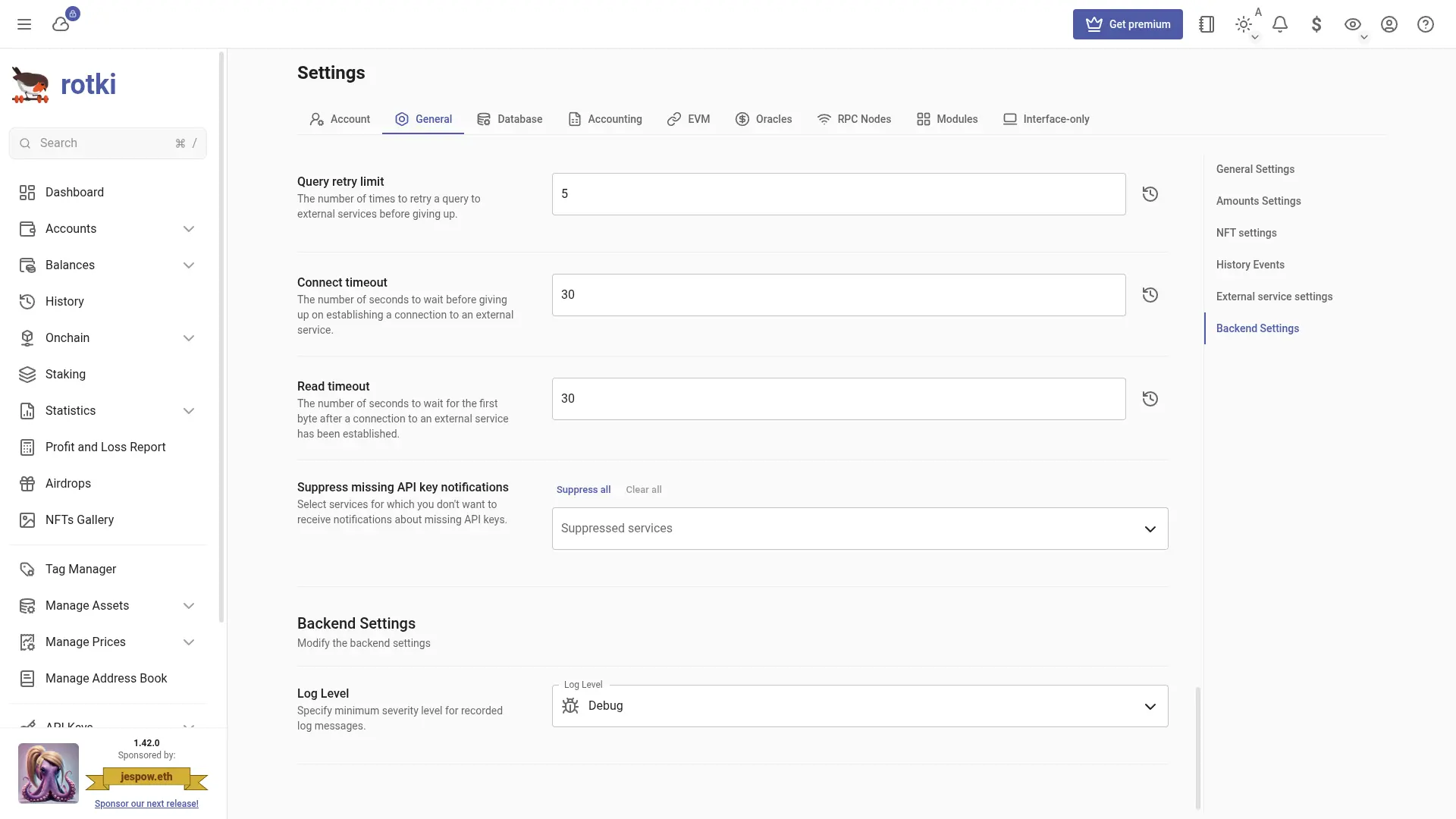
Log Level
Specify the minimum severity level for recorded log messages. You can change this at runtime without restarting rotki. This is useful for temporarily enabling debug logs when troubleshooting issues, without needing to modify the rotki_config.json file or restart the application. Additional log-related settings such as max log size, max number of log files, and logging from other modules can be configured from the login screen backend settings.