
Help & Support
To access the Help & Support menu, click the ? icon in the toolbar.
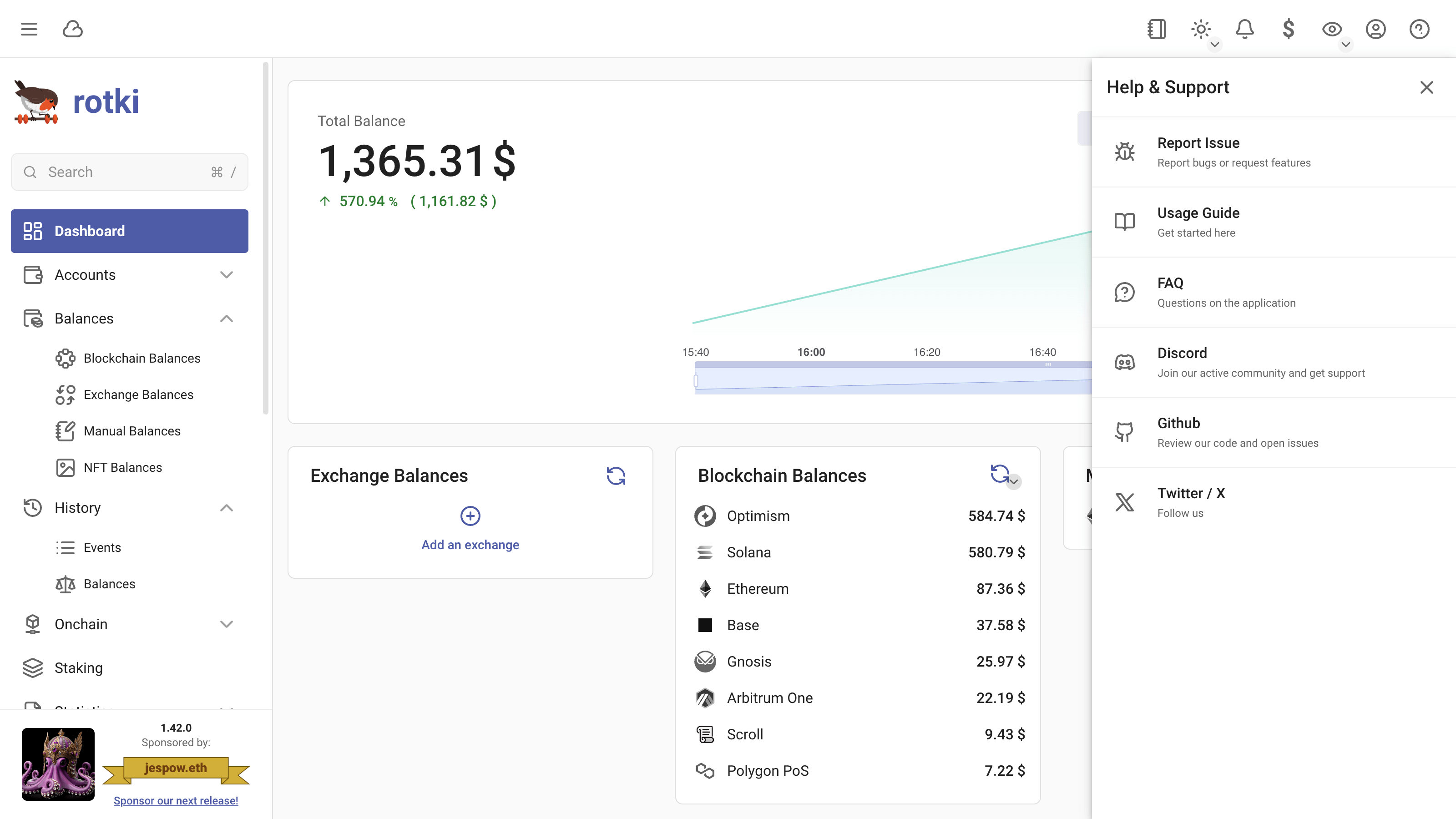
The Help & Support menu provides quick access to:
- Report Issue - Report bugs or request features
- Usage Guide - Get started with the documentation
- FAQ - Common questions about the application
- Discord - Join the community and get support
- Github - Review the code and open issues
- Twitter / X - Follow for updates
Report Issue
If you encounter a bug or want to request a new feature, click on Report Issue to open the issue submission form.
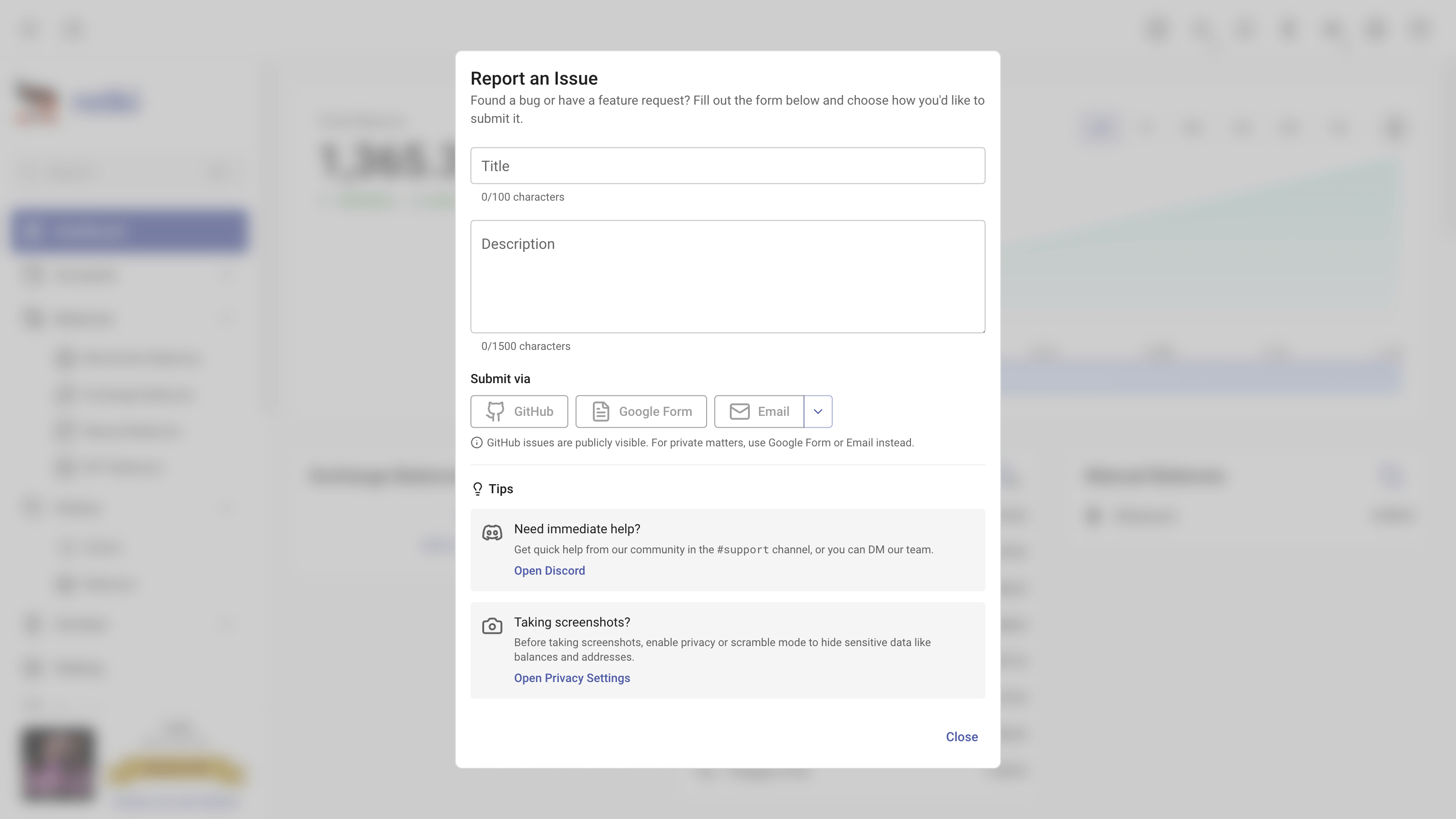
Filling Out the Form
- Title - Enter a brief summary of the issue (up to 100 characters)
- Description - Provide detailed information about the bug or feature request (up to 1500 characters)
Submission Options
You can submit your issue through one of the following channels:
- GitHub - Opens an issue on the rotki GitHub repository
- Google Form - Submit via a form for private matters
- Email - Send directly to the team
TIP
GitHub issues are publicly visible. For private matters, use Google Form or Email instead.
Tips
Need Immediate Help?
Get quick help from the community in the #support channel on Discord, or you can DM the team directly.
Taking Screenshots?
Before taking screenshots, enable privacy or scramble mode to hide sensitive data like balances and addresses. You can find this option in the privacy settings.