
Using rotki from mobile
If you are using DAppNode or the Docker image instead of the Electron application, it is possible to access rotki from a mobile device.
DAppNode
If you are running rotki on a DAppNode, then in order to access rotki on mobile the only thing needed is to set up a VPN connection between DAppNode and your phone or tablet.
You can use either Wireguard or OpenVPN by following the guide linked above. When you are done with the configuration, you can activate the VPN connection on your device. With the VPN activated, you will be able to access rotki on http://rotki.dappnode.
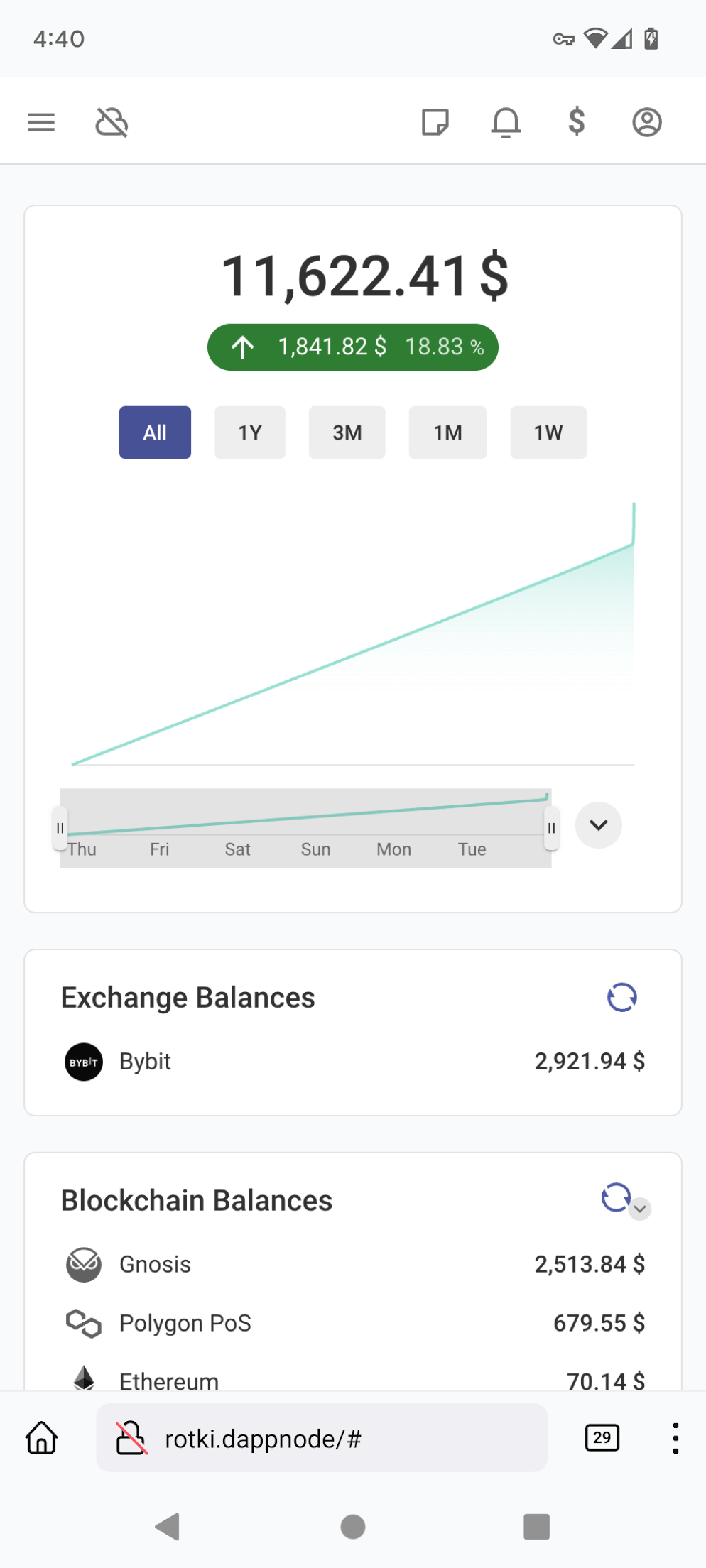
This way you can get the full rotki functionality on mobile.
Docker
Accessing rotki on mobile when you run Docker on your own can be a bit complicated and depends on the kind of setup you have. You have to make sure that rotki is never directly accessible from a public network.
One way to have rotki accessible on mobile over a public network is by making sure that an authenticated proxy intercepts all traffic directed to rotki. This way you can ensure that no one else can access your rotki instance.
If you followed that Traefik example, you should be able to access rotki's interface by going to https://rotki.example.com on your phone or tablet.
Alternatively, if you already have a VPN setup to your private network or on the machine, you could use this VPN connection to securely connect to the rotki instance that runs on this network machine.
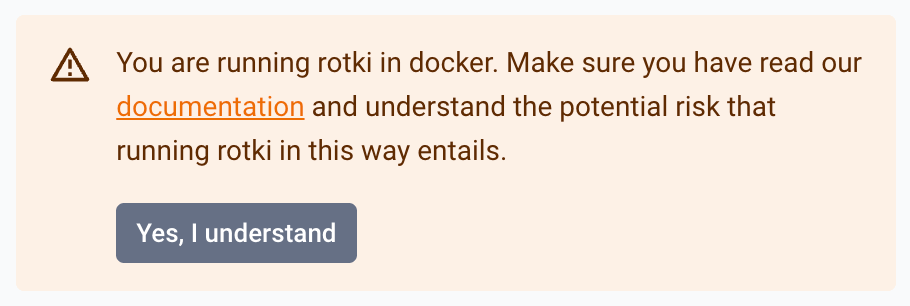
For awareness reasons, if the app is run in Docker without authentication, you will see this warning every time it is opened.
The recommended way to make it go away is to turn on session authentication, which makes rotki require a signed-in session for every request. If you would rather keep the instance unauthenticated, you can dismiss the warning by running the Docker image with this environment variable:
ROTKI_ACCEPT_UNAUTHENTICATED_API=1If you had set the older ROTKI_ACCEPT_DOCKER_RISK, it is no longer read: you will see the warning once and can then choose either of the two variables above.