
Address Book
You can manage the address book in Manage Address Book menu in the sidebar.
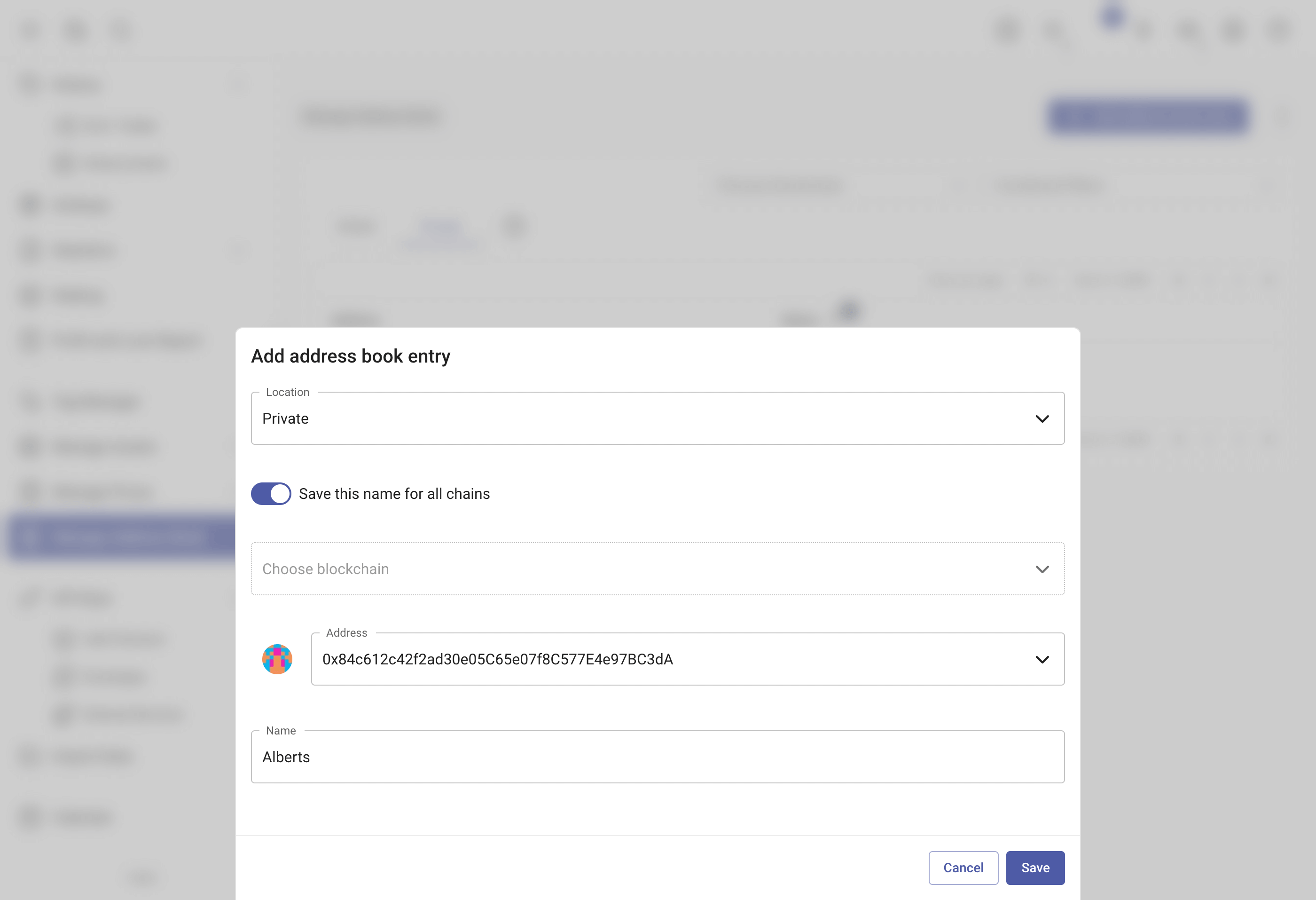
rotki provides an address book for blockchains. This replaces addresses with names provided by the user across the application. To reuse one name for an address on every chain where it appears, pick All Supported Chains in the entry's blockchain selector instead of a single chain. The address book is split into two different kinds:
- Global Address Book: It replaces addresses with the names provided across the entire application irrespective of the user logged in.
- Private Address Book: It replaces addresses with the names provided for the user currently logged in. It takes precedence over names found in the global address book.
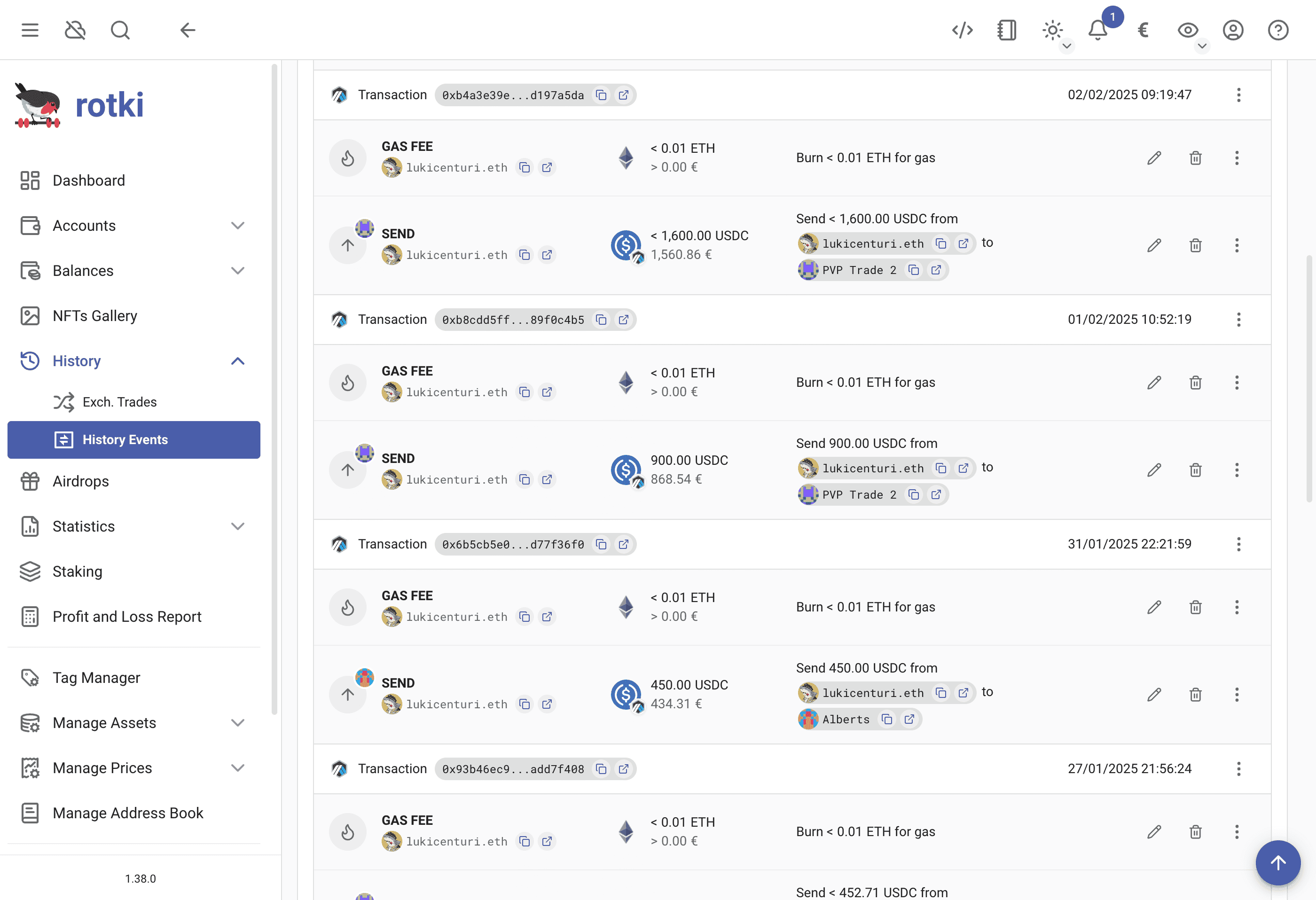
Once an entry exists, the name stands in for that address everywhere the address would otherwise be printed. Here a history event names one side of the transfer and leaves the other as raw hex, because only the first has an address book entry:
Note: The address resolution order can be configured in the general user settings. The default order is:
- Private Address Book
- Blockchain Account Labels
- Global Address Book
- Ethereum Tokens
- Hardcoded Mappings
- ENS names.
Filtering the address book
The address book uses the same filter bar as the rest of rotki, with a pill for Address, Name and Chain. Chains are shown with their logo and name and picked from a list. There is also a Strict blockchain filter pill: with it added, only entries recorded for that exact chain are shown, rather than also including entries that apply to every chain.
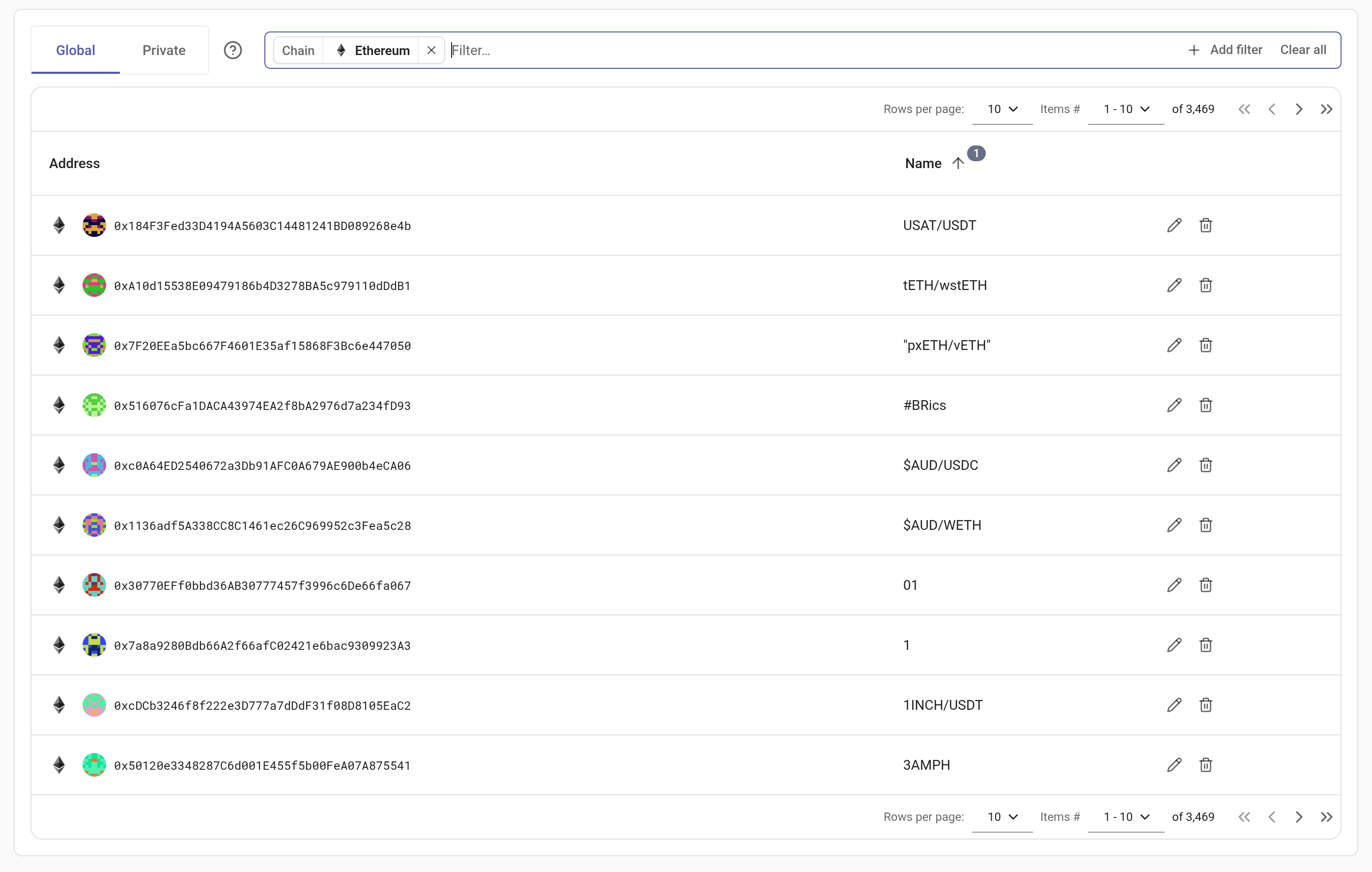
Both the chain selector and the strict-chain checkbox used to sit beside the bar; they are pills inside it now, so there is a single place to filter from. See Filtering history events for the shared syntax and keyboard handling.
Importing address book names (CSV)
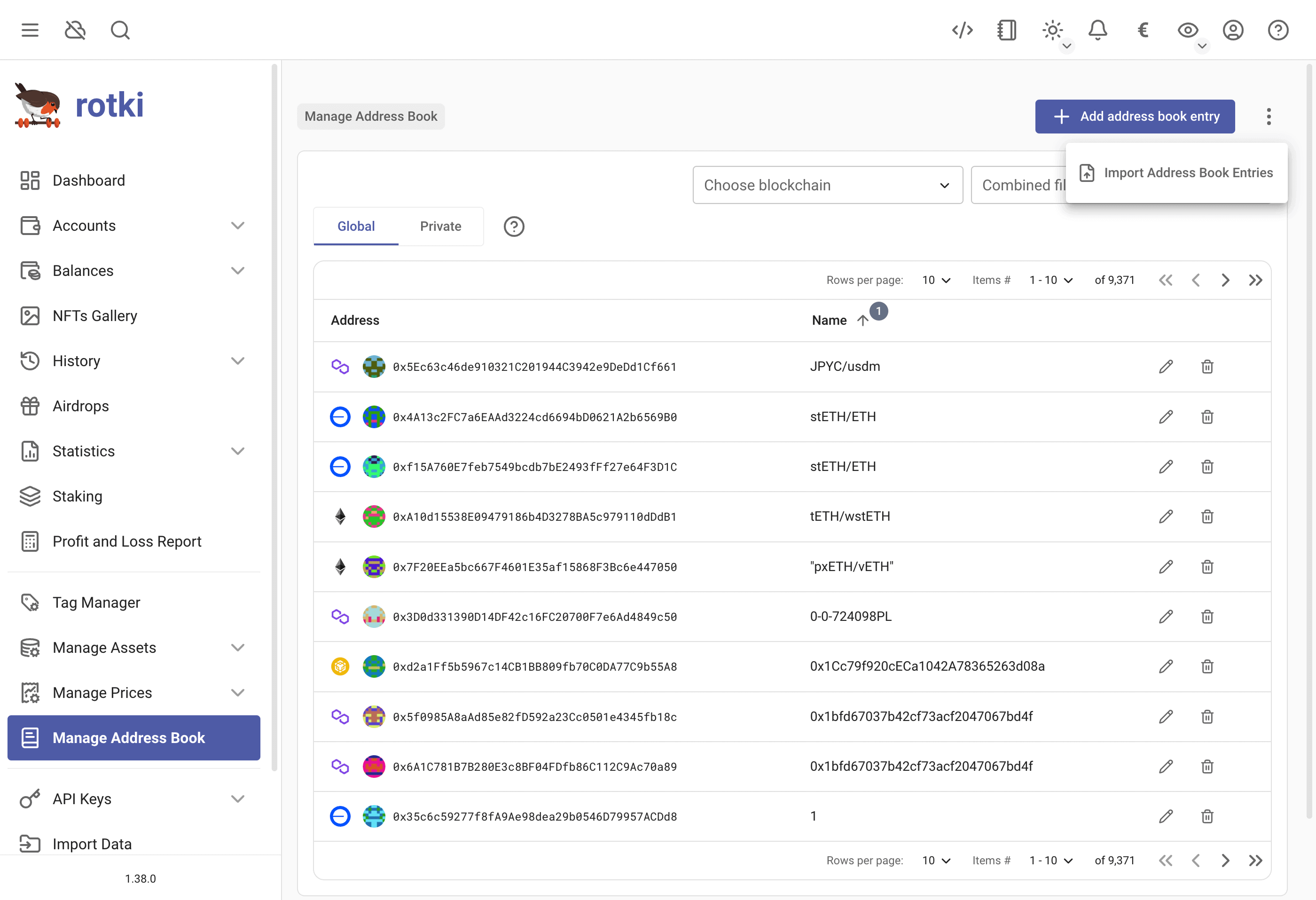
You can add multiple address book entries at once with CSV import. You can find the menu in the three dots ⋮ menu here.
Address Book Entries CSV
[Download CSV Example]| address | name | blockchain | location |
|---|---|---|---|
| 0xa83114a443da1cecefc50368531cace9f37fcccb | harvey | ||
| 0x388c818ca8b9251b393131c08a736a67ccb19297 | donna | global | |
| 0xdac17f958d2ee523a2206206994597c13d831ec7 | mike | arbitrum_one | |
| bc1q2t0ad9cqars69ge9v7v7td7rpg3p7etgqfe0zn | rachel | btc | private |
- The
addressfield is required. - The
namefield is required. - The
blockchainfield is optional. You can find supported chain IDs in the supported blockchains section. Leave it blank to add the entry to all chains. - The
locationfield is optional. You can set it to eitherglobalorprivate. By default, it will be saved asprivate.